How Many Devices Can a 1 Gig Internet Plan Handle?
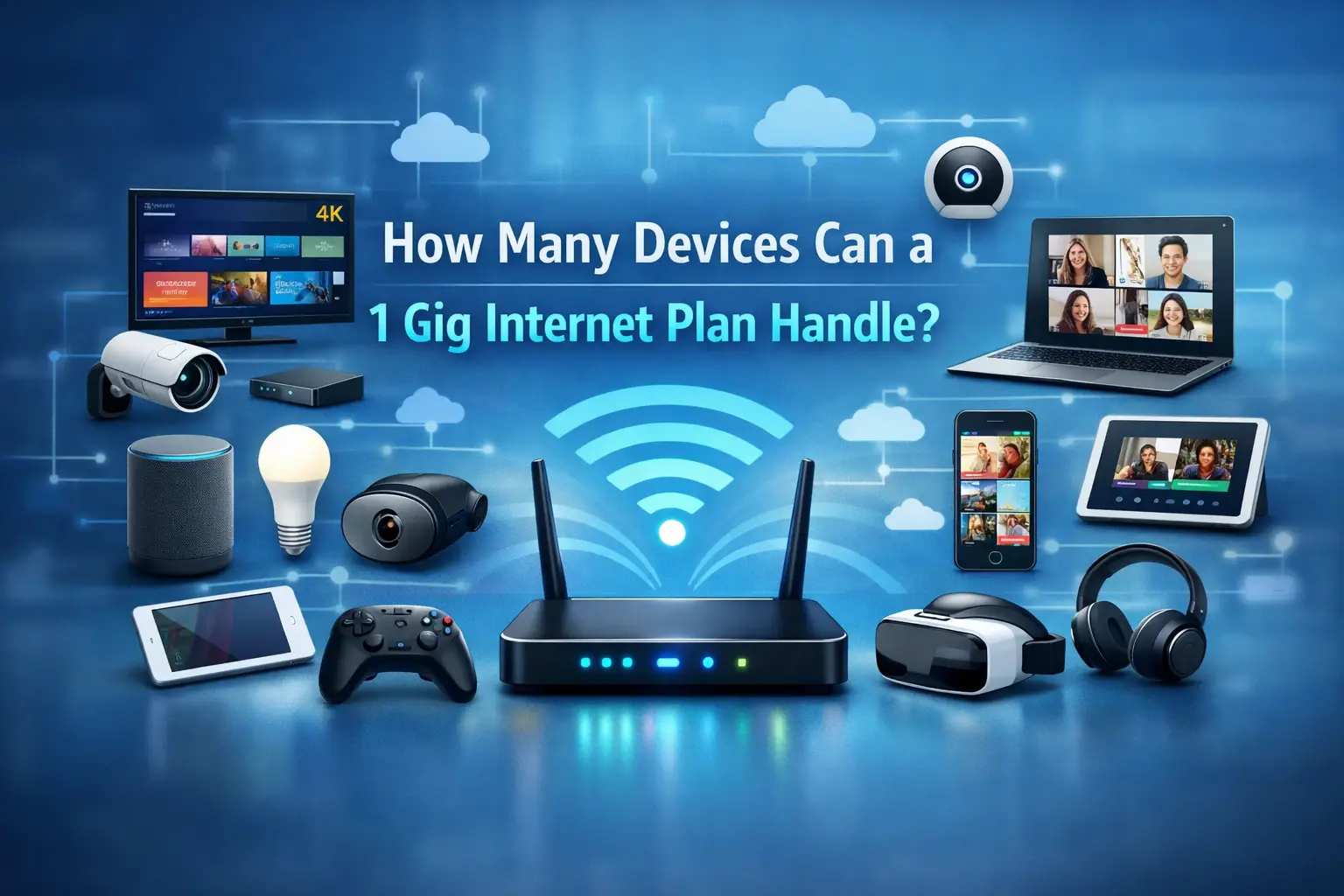
If you are shopping for a new internet plan — or wondering whether your current one is holding you back — the question of device capacity comes up fast. Smartphones, laptops, smart TVs, gaming consoles, security cameras, thermostats, voice assistants: the average American household is running more internet-connected devices than ever before, and the number keeps climbing.
A 1 Gig internet plan — delivering up to 1,000 Mbps of download speed — is widely marketed as the gold standard for home connectivity. But marketing language tells you what a plan can do at its theoretical ceiling. What you actually need to know is how many devices it can realistically support while everyone in the house is doing their own thing at the same time.
This guide breaks it down with real data. We examine bandwidth consumption by device and activity type, household usage profiles, infrastructure variables that affect real-world capacity, and how a 1 Gig plan compares to alternatives for different household sizes. If you want to know whether gigabit internet is right for your home — and what actually limits how many devices it can handle — this is the resource you need.
For plan availability at your address, visit CtvforMe.com or call (855) 210-8883 to speak with a broadband specialist.
Quick Answer: How Many Devices Can a 1 Gig Plan Support?
A 1 Gig (1,000 Mbps) internet plan can comfortably support 40 to 100+ devices simultaneously connected, depending on what those devices are doing. For active, bandwidth-intensive use — streaming 4K video, online gaming, video conferencing — it can handle 10 to 20 heavy users simultaneously without meaningful slowdown. For typical mixed-use households with a combination of heavy and light activity, 1 Gig is more than sufficient for even large families.
The limiting factor is rarely your plan speed. It is your router's processing capacity, your Wi-Fi signal quality, and how many devices are doing bandwidth-intensive tasks simultaneously.
Household Type | Recommended Speed | Does 1 Gig Work? |
|---|---|---|
Single user, light browsing | 25–100 Mbps | Yes — significant overkill |
2–3 users, mixed activity | 100–300 Mbps | Yes — substantial headroom |
Family of 4, streaming + gaming | 300–500 Mbps | Yes — very comfortable |
Power users, 10+ devices active | 500–1,000 Mbps | Yes — ideal fit |
Large household, smart home + 4K | 1,000 Mbps | Yes — the right choice |
Key Findings
U.S. households now average 17 to 21 connected devices, according to Parks Associates and ConsumerAffairs research — a figure that has grown steadily as smart home adoption expands.
OpenVault data from Q1 2025 shows the average U.S. household consumes approximately 564 Mbps in downstream bandwidth across active peak periods — well within the capacity of a 1 Gig plan.
A family of four running two simultaneous 4K streams, one video call, one gaming session, and a set of smart home devices consumes roughly 200 to 300 Mbps at peak — leaving 700+ Mbps of headroom on a 1 Gig plan.
The FCC has established 1 Gbps download / 500 Mbps upload as its long-term benchmark for future-ready broadband infrastructure, reflecting where household demand is headed.
Wi-Fi performance and router quality — not plan speed — are the most common bottlenecks in multi-device homes.
As of June 2024, the FCC found that 26% of residential fixed broadband connections were already subscribing to plans advertising speeds of at least 940 Mbps — gigabit adoption is accelerating.
What Does "1 Gig Internet" Actually Mean?
A 1 Gig internet plan delivers a maximum download speed of 1,000 Mbps (1 Gbps). In practical terms, that means your connection can transfer up to 1,000 megabits of data per second when conditions are optimal.
That 1,000 Mbps is a shared pool. Every device actively using the internet draws from the same total bandwidth, and devices compete for that bandwidth when multiple are active simultaneously. The more devices pulling data at the same time, the smaller the slice each one receives — though at gigabit speeds, that pool is large enough that most households never feel the constraint.
Two important distinctions:
Download vs. Upload Speed: Most 1 Gig plans advertise download speeds of 1,000 Mbps. Upload speeds vary significantly by connection type. Fiber plans typically offer symmetrical speeds — 1,000 Mbps up and down. Cable plans may deliver 1,000 Mbps download with significantly lower upload (sometimes 35–50 Mbps), which matters for households with remote workers, video creators, or multiple security cameras uploading footage continuously.
Advertised vs. Real-World Speed: Advertised speeds represent the theoretical ceiling under optimal conditions. According to Ookla's Speedtest Global Index, the U.S. median fixed broadband speed as of August 2025 was 285.6 Mbps download and 49.2 Mbps upload — well below what 1 Gig plans offer, but reflecting the fact that most Americans are not yet on gigabit plans. For households on gigabit fiber, real-world speeds consistently approach the advertised ceiling during off-peak hours.
How Much Bandwidth Do Common Devices Actually Use?
Understanding how bandwidth consumption works by activity type is the foundation of any realistic device-capacity estimate. The numbers below reflect general industry benchmarks based on standard usage patterns:
Streaming Video
Activity | Approximate Bandwidth Required |
|---|---|
Netflix / YouTube HD (1080p) | 5–8 Mbps per stream |
Netflix / YouTube 4K (UHD) | 15–25 Mbps per stream |
Live TV streaming (HD) | 5–10 Mbps per stream |
Video conferencing (Zoom, Teams — HD) | 3–5 Mbps per session |
Video conferencing (4K/Studio quality) | 10–20 Mbps per session |
The FCC's own research confirms the 4K impact: 4K streaming at 15–18 Mbps per stream is more than double the HD bit rate, meaning a single 4K TV can consume as much bandwidth as multiple HD streams simultaneously.
Gaming
Activity | Approximate Bandwidth Required |
|---|---|
Online multiplayer gaming | 3–25 Mbps download |
Game downloads (large titles) | Up to 300+ Mbps (short duration) |
Game streaming via cloud (GeForce NOW, Xbox Cloud) | 15–35 Mbps |
Online gaming is primarily a latency story, not a bandwidth story. Most games require only 3–25 Mbps to operate, but they are extremely sensitive to high ping and jitter. A 1 Gig fiber plan's combination of high bandwidth and low latency makes it the preferred setup for serious gamers.
Smart Home and IoT Devices
Device Type | Approximate Bandwidth Required |
|---|---|
Smart thermostat | Under 1 Mbps |
Smart speaker/voice assistant | 0.5–2 Mbps |
Security camera (HD, continuous) | 1–4 Mbps per camera |
Security camera (4K, continuous) | 8–15 Mbps per camera |
Smart lighting/locks | Minimal (under 0.1 Mbps each) |
Robot vacuum with mapping | 1–2 Mbps |
Smart home devices individually consume modest bandwidth, but households with 10–20 IoT devices running simultaneously can collectively consume 20–50 Mbps just in background connectivity — and security cameras in particular add up quickly in larger installations.
Productivity and General Use
Activity | Approximate Bandwidth Required |
|---|---|
Web browsing | 1–5 Mbps |
Under 1 Mbps | |
Streaming music | 0.5–1.5 Mbps |
Large file uploads (cloud backup) | Depends on upload speed |
Software updates (background) | Variable, often 10–100 Mbps in bursts |
Real-World Scenarios: How a 1 Gig Plan Performs by Household Size
Small Household (1–2 Users, 5–10 Devices)
Typical devices: 2 smartphones, 1–2 laptops, 1 smart TV, a voice assistant, smart lighting.
Peak usage estimate: 2 simultaneous 4K streams + 1 video call = approximately 45–55 Mbps.
Verdict: 1 Gig is significant overkill for this profile. A 300–500 Mbps plan would be entirely sufficient, though 1 Gig provides substantial future-proofing and near-zero latency under any load.
Family of Four (4 Users, 10–20 Devices)
Typical devices: 4 smartphones, 2–3 laptops, 2 smart TVs, a gaming console, tablets, a smart home hub, security cameras, voice assistants.
Peak usage estimate: 2 simultaneous 4K streams, 1 gaming session, 1 video call, 4 smart home devices active = approximately 200–300 Mbps.
Verdict: 1 Gig handles this with 700+ Mbps to spare. Even during peak usage, this household operates at 20–30% of available capacity — leaving ample room for software updates, background syncing, and additional devices.
Power-User or Large Household (6+ Users, 20+ Devices)
Typical devices: Multiple smartphones, laptops, smart TVs, gaming systems, home office equipment, 4K security cameras, smart appliances, mesh network nodes, work-from-home video conferencing.
Peak usage estimate: 3–4 simultaneous 4K streams, 2 gaming sessions, 2 video calls, 6+ active IoT devices, cloud backup running = approximately 400–600 Mbps.
Verdict: 1 Gig is the right fit for this household. With peak demand approaching 400–600 Mbps, gigabit speeds provide comfortable headroom during the most demanding simultaneous usage periods, without the bottlenecks a 500 Mbps plan might create.
Work-From-Home and Home Office (Multiple Remote Workers)
Specific demands: High-quality video conferencing, large file uploads to cloud storage, VPN tunneling, simultaneous screen-sharing sessions.
Key consideration: Upload speed matters as much as download for this profile. OpenVault's Q1 2025 data shows the average U.S. household upstream usage has reached 34 Mbps — but a home with 2–3 simultaneous remote workers, each on HD video calls while uploading files, can easily push 60–100 Mbps of sustained upload demand. This is where fiber gigabit plans — with symmetrical 1,000 Mbps upload — significantly outperform cable gigabit plans that may offer only 35–50 Mbps upstream.
What Actually Limits How Many Devices a 1 Gig Plan Can Handle
This is the most practically important section of this guide. For most households on a 1 Gig plan, the bottleneck is not the plan itself. Here is what actually constrains multi-device performance:
1. Router Quality and Processing Power
Your router is the traffic controller for every device on your network. A router with an underpowered processor or insufficient RAM can become a bottleneck long before your plan's bandwidth is exhausted — particularly when managing 20+ simultaneous connections.
For gigabit plans, a Wi-Fi 6 (802.11ax) router is strongly recommended. Wi-Fi 6 introduces OFDMA (Orthogonal Frequency Division Multiple Access) technology, which allows a single router to communicate with multiple devices simultaneously rather than sequentially — directly improving multi-device performance under load.
2. Wi-Fi Signal Strength and Coverage
A gigabit fiber connection entering your home means nothing if your Wi-Fi signal is degraded by distance, wall materials, or interference. Devices at the edge of your router's range receive significantly less than the full plan speed.
For larger homes (2,500+ square feet) or homes with concrete/brick construction, a mesh Wi-Fi system distributes the signal more effectively than a single router. Wired Ethernet connections eliminate this variable — devices connected via Ethernet can access the full gigabit speed directly.
3. Ethernet Port Limitations
Standard gigabit Ethernet ports (the physical connection on your router) can support up to approximately 50 wired connections — more than sufficient for the vast majority of home networks. The real-world limit for most households is the number of Ethernet ports available and the proximity of devices to the router.
4. Data Caps
Data caps are a separate dimension from speed. A 1 Gig plan with a monthly data cap limits the volume of data you can consume — not the rate at which you consume it. High-bandwidth activities like 4K streaming, large game downloads, and cloud backup accumulate data usage quickly. When evaluating a 1 Gig plan, confirm whether it includes unlimited data or carries an overage structure.
5. Network Congestion (Cable vs. Fiber)
On cable networks (DOCSIS), bandwidth is shared among neighboring households on the same network node. During peak evening hours, available speeds can drop as more users compete for shared capacity. Fiber networks, by contrast, deliver dedicated bandwidth to each address — meaning a 1 Gig fiber plan performs consistently regardless of neighborhood demand patterns.
Research Insights: What the Data Tells Us About Household Bandwidth Demand
The trajectory of household bandwidth consumption makes a compelling case for 1 Gig plans as a forward-looking investment rather than current overkill.
Household device counts are rising steadily. Parks Associates and ConsumerAffairs research puts the current average at 17–21 connected devices per household. Five years ago, the equivalent figure was 10–12. This growth is driven by smart home adoption, streaming device proliferation, and the normalization of work-from-home and remote-learning setups in the post-pandemic household.
The FCC has formalized 1 Gig as the future-ready standard. The agency's long-term broadband benchmark — 1 Gbps download / 500 Mbps upload — signals institutional recognition that gigabit capacity is where household demand is headed, not where it currently sits for most households. Consumers who adopt 1 Gig plans today are positioning their home networks to meet demand that will materialize over the next 3–5 years without requiring another upgrade.
Real-world usage is approaching 500+ Mbps at peak. OpenVault's Q1 2025 data showing average household downstream consumption of 564 Mbps across active peak periods is one of the most significant broadband data points of the year. It means the average American household — not the outlier power-user — is already consuming more than half of what a 1 Gig plan offers at peak moments. For households above the average in device count or usage intensity, that figure will be higher.
Gigabit adoption is accelerating. The FCC's June 2024 data found that 26% of U.S. residential fixed broadband connections were subscribing to plans advertising speeds of at least 940 Mbps — up from 24% just six months prior. The trajectory is clear: gigabit is transitioning from a premium niche to a mainstream tier.
Is a 1 Gig Internet Plan Worth It?
For most households with 10 or more connected devices and a mix of heavy and light users, the answer is yes — particularly when the alternative is a mid-tier plan that may begin to show strain during peak evening hours as device counts grow.
The case for 1 Gig is strongest when:
Your household has 4+ active users regularly streaming, gaming, or working from home simultaneously.
You have 15+ connected devices, including smart home equipment, cameras, or multiple streaming devices.
Upload speed matters to your household — in which case a fiber gigabit plan with symmetrical speeds is the clear choice over cable gigabit.
You want infrastructure that grows with your household rather than requiring another upgrade in 18 months.
The case is weaker when a household has 1–2 light users, minimal smart home devices, and no regular video conferencing or gaming — in that scenario, a 300–500 Mbps plan delivers all the performance a household like that will realistically use.
For help comparing 1 Gig internet plans available at your address — including fiber and cable options from leading providers — explore the resources at CtvforMe.com or reach a broadband specialist directly at (855) 210-8883.
Frequently Asked Questions
How many devices can a 1 Gig internet plan actually support?
A 1 Gig (1,000 Mbps) internet plan can support 40 to 100+ simultaneously connected devices, depending on what each device is doing. For intensive activity — simultaneous 4K streaming, gaming, and video conferencing — it comfortably handles 10 to 20 heavy users at once. For typical households, the plan's bandwidth is rarely the limiting factor; router quality and Wi-Fi coverage have more practical impact on performance.
Is 1 Gig internet overkill for the average household?
For a household of 1–2 light users, yes — a 300–500 Mbps plan is sufficient. For families of four or more, households with smart home devices and security cameras, or homes with multiple remote workers, 1 Gig is a well-matched investment rather than overkill. OpenVault Q1 2025 data shows the average U.S. household consuming approximately 564 Mbps downstream at peak — meaning families above average in device count or usage are already pushing toward gigabit territory.
Does a 1 Gig plan support 4K streaming on multiple TVs at once?
Yes. A 4K stream requires approximately 15–25 Mbps. A 1 Gig plan can theoretically support 40+ simultaneous 4K streams before bandwidth becomes a constraint. In practice, router capacity and Wi-Fi signal quality will become limiting factors before the plan's bandwidth does.
What's the difference between 1 Gig cable and 1 Gig fiber internet?
Both deliver up to 1,000 Mbps download. The key difference is upload speed and network architecture. Fiber gigabit plans typically offer symmetrical speeds — 1,000 Mbps upload as well as download. Cable gigabit plans often top out at 35–50 Mbps upload. Cable networks also share bandwidth among neighborhood nodes, which can reduce performance during peak hours. Fiber delivers dedicated bandwidth to each address. For upload-intensive households — remote workers, content creators, multi-camera security systems — fiber's advantage is substantial.
Will a 1 Gig plan eliminate Wi-Fi buffering and lag?
Not automatically. Buffering and lag in a multi-device home are more often caused by router limitations, weak Wi-Fi signal, or network congestion at the device level than by insufficient plan speed. Pairing a 1 Gig plan with a Wi-Fi 6 router and, for larger homes, a mesh Wi-Fi system will address most performance issues. Devices that can use wired Ethernet connections should do so whenever possible.
How many smart home devices can a 1 Gig plan support?
Virtually unlimited from a bandwidth perspective. Individual smart home devices — thermostats, smart bulbs, locks, voice assistants — use less than 1 Mbps each. Even a fully automated home with 50 IoT devices running simultaneously would consume under 100 Mbps. The practical limitation for large smart home networks is router connection capacity (typically 50+ simultaneous connections on modern routers) and Wi-Fi radio congestion, not plan bandwidth.
Is 1 Gig internet good for gaming?
Yes, particularly on fiber. Online gaming requires only 3–25 Mbps of bandwidth for most titles, so a 1 Gig plan provides enormous headroom. The real advantage for gamers is low latency and consistent speeds — fiber gigabit plans consistently deliver sub-10ms ping and minimal jitter, which are the performance metrics that matter most for competitive online gaming.
What router do I need for a 1 Gig internet plan?
A Wi-Fi 6 (802.11ax) router is recommended for gigabit plans in multi-device homes. Wi-Fi 6 supports OFDMA technology, which allows simultaneous communication with multiple devices rather than rotating through them sequentially — significantly improving real-world performance under high device loads. For homes over 2,500 square feet, a Wi-Fi 6 mesh system ensures a consistent gigabit-class signal across the entire coverage area. Ensure your router has a multi-gigabit or 2.5G Ethernet WAN port to avoid the router itself becoming a bottleneck.
Conclusion: 1 Gig Internet Is Built for How Households Actually Live Now
The household network of 2026 is not a single laptop and a cable box. It is a multi-layered ecosystem of smartphones, streaming devices, smart appliances, cameras, gaming systems, and work-from-home equipment — all competing for bandwidth that, not long ago, would have seemed extraordinary.
A 1 Gig internet plan is built for exactly this environment. With 1,000 Mbps of download capacity and — on fiber plans — symmetrical upload, it provides the bandwidth pool that large, device-dense households need, along with the headroom to absorb growing device counts and expanding bandwidth demands over the next several years.
For most households with four or more active users and 15+ connected devices, 1 Gig is not an upgrade for its own sake. It is the plan that removes internet speed as a variable in your household's daily experience — which is precisely what a good internet plan should do.
To compare 1 Gig internet plans available at your address — including current promotions and fiber vs. cable options — visit CtvforMe.com today.