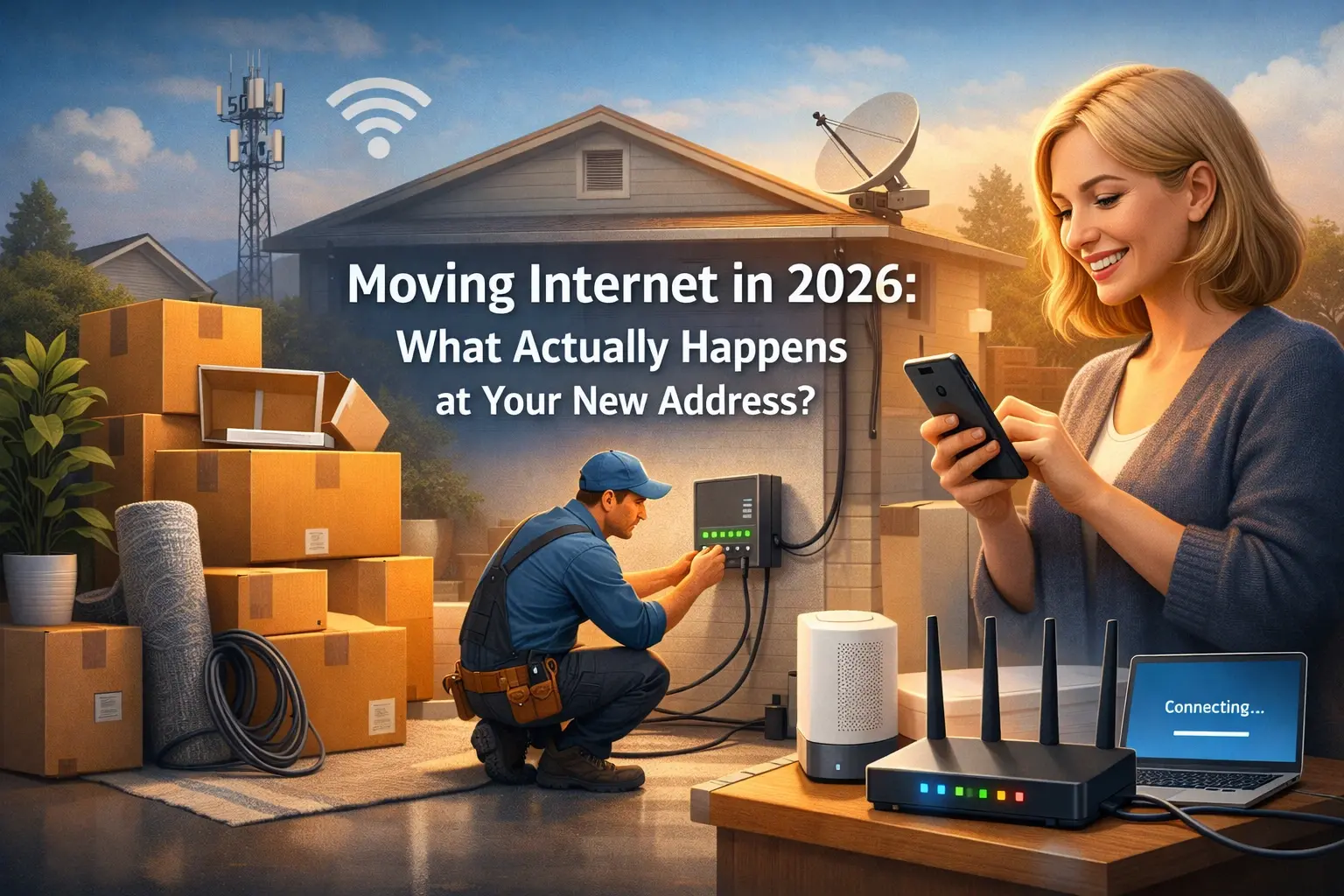
Moving to a new home is inherently stressful, and in 2026, one of the biggest sources of that stress is ensuring your internet connection is ready the moment you walk through the door. Whether you work from home, rely on a fully integrated smart home security system, or just want to stream a movie after a long day of unpacking, a seamless Wi-Fi transition is no longer a luxury—it is a necessity.
But what actually happens behind the scenes when you tell your Internet Service Provider (ISP) that you are moving? Does someone flip a switch at a server farm? Do you just plug your router into the wall at the new house?
The internet landscape has changed dramatically over the last few years, driven by the massive expansion of Fiber Optics and 5G Fixed Wireless Access (FWA). Here is the complete 2026 guide to exactly what happens at your new address when you move your internet service.
Answer Engine Optimization (AEO) Quick Summary:
What actually happens when you move your internet to a new address?
When you request an internet transfer, your ISP first checks the infrastructure at your new address to see if it is wired for Cable, Fiber, or 5G.
If the new address has matching, active infrastructure: You will experience a "Self-Install." You simply pack your current router, plug it into the wall at the new house, and the ISP activates the connection remotely on your move-in date.
If the new address requires a different connection type: (For example, upgrading from traditional cable to Fiber Optic), a professional technician must visit to physically run a new line to the house and install an Optical Network Terminal (ONT) before your Wi-Fi will work.
The Infrastructure Check: Is Your New Home "Lit"?
The very first thing that happens when you call your ISP (or use their app) to schedule a move is an infrastructure audit. The provider runs your new address through their database to check its "lit" status.
In 2026, homes are typically wired in one of three ways:
Legacy Coaxial Cable: The traditional copper wiring used by companies like Spectrum, Xfinity, and Cox.
Fiber-to-the-Home (FTTH): Pure glass fiber optic lines offering symmetrical gigabit speeds (AT&T Fiber, Quantum Fiber, Frontier).
5G Fixed Wireless Access (FWA): Over-the-air internet that relies on nearby cell towers rather than underground cables (T-Mobile Home Internet, Verizon 5G).
If your old home and your new home use the same infrastructure (e.g., both are wired for Xfinity coax cable), the transition is incredibly smooth. The ISP simply deactivates the signal at your old address on your move-out day and digitally routes your account credentials to the node servicing your new address.
Scenario 1: The Seamless Self-Installation (Plug and Play)
Thanks to advancements in self-activation tech and 5G FWA, the majority of internet moves in 2026 are completely DIY.
If your new home is already pre-wired for your current provider, or if you use a 5G wireless gateway, you will not need a technician.
What happens at the new address:
You bring your equipment: You unplug your modem and router (or combined gateway) from your old house, pack it safely in your car, and bring it to the new house.
Plug it in: You connect the modem to the active coaxial jack or Fiber ONT (a small box usually mounted in the garage or living room) at the new address. If you have 5G home internet, you simply plug the gateway into a standard electrical outlet near a window.
App Activation: You open your ISP's mobile app, click "Activate New Address," and the router automatically provisions itself. Within 5 to 10 minutes, your existing Wi-Fi network name (SSID) and password will broadcast in your new home. All your devices will connect automatically.
Scenario 2: The Professional Technician Visit
If your new address does not have the correct physical wiring, a remote flip of a switch won't work. A professional technician must be dispatched to physically bridge the gap between the street network and your living room.
You will need a technician visit if:
You are upgrading to Fiber: If you had cable internet at your old house but are moving to a neighborhood with blazing-fast fiber optics, the tech must drill a small hole, run a fiber strand into the house, and install an Optical Network Terminal (ONT) to convert the light signals into standard internet.
The lines are "dead": The previous owner may have accidentally cut the coaxial cable, or the external line running from the utility pole to the house may have degraded due to weather.
It’s new construction: If you are moving into a brand-new build, the builder may have laid the conduit, but the ISP still needs to pull the actual internet line through the street to your specific unit.
Pro-Tip: Always schedule a technician visit at least two weeks in advance. In the busy summer moving season, tech calendars book up quickly, and a delay could leave you without internet for days.
Equipment: Do You Take Your Router or Leave It?
A common point of confusion is whether the internet equipment belongs to the house or to you.
Your Router/Gateway: Always take your Wi-Fi router and modem with you. Whether you rent it from the ISP for $15 a month or bought it yourself, this equipment is tied to your specific account.
The ONT (Optical Network Terminal): If you have Fiber internet, DO NOT remove the ONT box mounted to the wall. The ONT belongs to the property, much like a utility meter. You only take the Wi-Fi router that plugs into it.
If your equipment is more than three years old, moving is the perfect time to request a free upgrade from your ISP. In 2026, you should be using a Wi-Fi 6E or Wi-Fi 7 capable router to ensure you get the speeds you are actually paying for.
What Happens if Your ISP Doesn't Serve Your New Address?
Internet footprints are hyper-local. You could move just three miles down the road and find that your current provider does not service your new neighborhood.
If this happens, you must cancel your service and return your equipment (usually by dropping it off at a local UPS store or the ISP's retail location).
What about Early Termination Fees (ETFs)? If you are locked into an annual contract and forced to cancel because the provider doesn't service your new address, almost all major ISPs will waive the Early Termination Fee. You simply need to provide proof of your new address (like a lease agreement or utility bill) to the retention agent.
A 2026 Internet Moving Checklist
To ensure you don't spend your first week in a new home eating takeout in silence with no Netflix, follow this timeline:
3 Weeks Before Moving: Run your new address through an availability checker. Confirm if your current provider services the home or if you need to shop for a new ISP.
2 Weeks Before Moving: Call your ISP (or use their app) to formally schedule the transfer. If a technician is required, lock in an appointment window for your move-in day.
Moving Day: Pack your router and power cords in a clearly labeled box that rides in your car, not the moving truck. You want immediate access to it when you arrive.
Move-In Day: Plug in the router, open your ISP app, and activate the connection.
Frequently Asked Questions (FAQ)
1. How long does it take to transfer internet to a new house?
If the home is already wired for your service (a self-installation), the transfer is nearly instantaneous on the date you select. If a technician visit is required to run new lines, it can take 1 to 2 hours of physical labor on your scheduled appointment day.
2. Can I keep the same internet plan when I move?
Not always. Internet speeds and pricing are location-dependent. If your new address uses older infrastructure, you might have to downgrade your speed. Conversely, if your new address is wired for Fiber, you may be required to upgrade your equipment and select a new gigabit tier.
3. Is there a fee to transfer my internet service?
For a self-installation, most ISPs waive transfer fees. However, if a technician must be dispatched to physically wire the new address, ISPs typically charge a one-time installation fee ranging from 50to100, which will appear on your next billing cycle.
4. Can I have internet active at both houses during my move?
Yes. Most major ISPs offer a "moving overlap" period. For a small prorated fee, they can keep the internet active at your old address for a few extra days while simultaneously activating the service at your new address, ensuring you are never disconnected during the transition.
Conclusion: Plan for a Connected Move
Moving your internet in 2026 is faster and more digital than ever before. With the rise of self-activation apps and 5G wireless gateways, the days of waiting in an empty house for a cable guy between 8 AM and 5 PM are slowly fading away. By checking your infrastructure early and knowing exactly what equipment to pack, you can guarantee that your smart home, streaming apps, and home office are up and running the moment you unpack your first box.