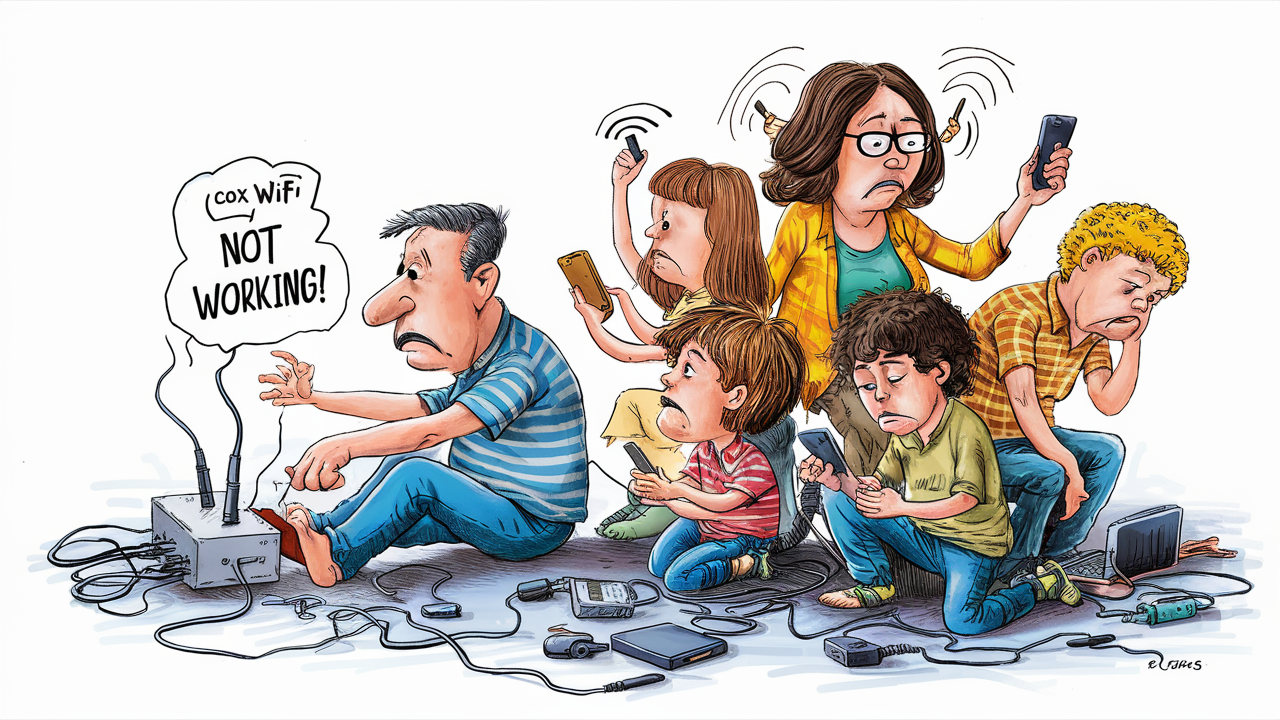
Cox WiFi typically stops working for one of six reasons: a local network outage on Cox's end, a malfunctioning modem or router, wireless signal interference inside the home, a configuration or firmware error, an account or billing issue, or temporary network congestion. The fastest way to identify the cause is to check whether the "Online" or "Internet" light on your modem is solid (suggesting an in-home issue) or off/blinking (suggesting a problem with Cox's incoming signal).
Key Findings
Independent outage-tracking services reported 23 to 26 user-submitted Cox outage reports in a single 24-hour period in June 2026, even when Cox's official status page showed the network as fully operational — meaning localized issues often go undetected by Cox's own monitoring before enough users report them.
The majority of "Cox WiFi not working" cases are not caused by a network-wide Cox outage but by issues inside the home: loose cabling, router placement, or device-specific connection problems.
Cox has used rolling residential service adjustments in some metro markets historically, where capacity management during peak demand periods has affected residential connection stability, separate from outright outages.
Severe weather, equipment aging, and regional infrastructure issues account for a disproportionate share of confirmed Cox network-side outages compared to other causes.
Configuration errors — particularly double NAT issues when a customer's own router is used without enabling bridge mode on the Cox modem — are a frequently overlooked cause of intermittent connectivity that looks like an outage but isn't.
Summary Table: Common Causes of Cox WiFi Failure
Cause | Where It Originates | Key Symptom | Fix Location |
|---|---|---|---|
Network outage | Cox's infrastructure | Online light off/blinking; outage map confirms | Wait for Cox to resolve |
Modem/router hardware failure | Customer's equipment | Power light off or erratic; device won't reset properly | Replace/reset equipment |
Signal interference | Inside the home | WiFi connects but is slow or drops intermittently | Reposition the router, change the channel |
Configuration/firmware error | Router settings | Wired connection works, WiFi doesn't | Router settings or factory reset |
Billing/account issue | Cox account status | Service stops entirely, no lights at all on some models | Check the Cox account portal |
Network congestion | Shared local infrastructure | Slowdowns during peak hours, especially evenings | Often resolves on its own; report if persistent |
Main Analysis
Cause 1: Cox Network Outages
The most visible cause, though often not the most common one, is an outage on Cox's network itself. These can stem from equipment failures at a local node, scheduled maintenance, or severe weather affecting physical infrastructure. Outage tracking shows that real-world user reports frequently precede or exceed what Cox's own official status page reflects, since crowdsourced reporting can detect localized problems faster than centralized monitoring systems catch them.
The clearest sign of a Cox-side outage is the "Online" or "Internet" indicator light on your modem or gateway. If that light is off, blinking irregularly, or shows an error pattern after you've power-cycled your equipment, the problem is almost certainly with the incoming signal from Cox rather than anything on your end.
Cause 2: Modem or Router Hardware Failure
Modems and routers are electronics with a finite lifespan, and heat, power surges, or age can cause them to fail or behave erratically. This is especially common with equipment that's several years old or has been running continuously without a reboot for extended periods. A modem that feels noticeably hot to the touch may be thermal-throttling or shutting down intermittently, which presents symptoms nearly identical to a network outage.
Cause 3: Signal Interference Inside the Home
Even when the connection from Cox is fully functional, wireless interference inside the home can make WiFi appear broken. Common interference sources include microwaves, cordless phones, Bluetooth devices, and overlapping WiFi channels from neighboring networks in densely populated buildings. This cause is distinguishable from an outage because a wired Ethernet connection to the same modem will typically still work fine even when WiFi is degraded.
Cause 4: Configuration and Firmware Errors
When customers use their own router instead of a Cox-leased gateway, a frequently overlooked cause of connectivity problems is failing to enable bridge mode on the Cox modem. Without bridge mode, both the modem and the personal router attempt to manage network addressing simultaneously, creating a "double NAT" situation that can cause intermittent disconnections, particularly for certain applications and devices. Outdated router firmware can produce similar symptoms.
Cause 5: Billing and Account Issues
Less common but worth ruling out, an overdue bill or account suspension can result in service being disconnected entirely. This typically follows prior notifications from Cox, but if WiFi failure coincides with a missed payment or account change, checking the Cox account portal directly can quickly confirm or rule this out as the cause.
Cause 6: Network Congestion
Even without a formal outage, shared local network infrastructure can become congested during high-demand periods, typically weekday evenings when most households in a given service area are streaming or gaming simultaneously. This presents as slowdowns rather than a complete outage and often resolves without intervention, though chronic congestion at the same times each day may indicate a need to contact Cox about local network capacity.
Research Insights
The gap between official outage reporting and real-time user-submitted reports is one of the more consequential findings for consumers trying to diagnose Cox WiFi problems. When status pages show "operational" while dozens of users are actively reporting problems, it suggests that Cox's outage detection threshold is calibrated for network-wide or large-segment failures, not the smaller, localized node or neighborhood-level issues that affect individual households. This means a household experiencing a genuine service-side problem may incorrectly assume the issue must be on their end, simply because the official status page hasn't caught up yet.
This has a practical implication: checking a third-party, crowdsourced outage tracker alongside Cox's own status page provides a more complete picture than either source alone, particularly in the first 30-60 minutes after a connectivity problem starts.
Consumer Impact
Misdiagnosing the cause of a WiFi failure leads to wasted troubleshooting time. A household that assumes a router problem and spends an hour resetting equipment when the actual cause is a Cox-side outage gains nothing from that effort. Conversely, assuming an outage and waiting passively when the real cause is a loose coaxial connection or interference issue extends downtime unnecessarily. Correctly identifying which of the six categories above applies is the fastest path to either a self-resolved fix or an informed support call.
For households experiencing frequent, recurring WiFi failures rather than a single isolated incident, the underlying cause is more often aging equipment or chronic local congestion than a series of unrelated outages — a distinction that matters when deciding whether to request a technician visit, upgrade equipment, or consider switching providers or plans altogether.
Future Outlook
As more households run bandwidth-intensive applications simultaneously (4K streaming, smart home devices, video conferencing, gaming), congestion-related slowdowns are likely to become a more common complaint relative to outright outages, particularly in densely populated service areas where node-level capacity hasn't kept pace with per-household demand. Improvements in outage detection and crowdsourced reporting integration may also narrow the gap between official status pages and real-world user experience over time.
Frequently Asked Questions
How do I know if it's a Cox outage or my own equipment?
Check the "Online" or "Internet" light on your modem. If it's off or blinking erratically after a power cycle, it's likely a Cox-side issue. If that light is solid but WiFi still doesn't work, the problem is more likely your router, its settings, or interference.
Why does Cox say there's no outage when my WiFi isn't working?
Cox's official status page reflects confirmed, network-wide or large-segment issues. Smaller, localized problems affecting a single neighborhood or node may not register on official status pages immediately, even though crowdsourced outage trackers are already showing user reports in that area.
Can old equipment cause WiFi to randomly stop working?
Yes. Modems and routers degrade over time, and overheating or aging components can cause intermittent failures that look identical to a network outage but are actually hardware-related.
Does using my own router instead of Cox's cause connection problems?
It can, if bridge mode isn't enabled on the Cox modem. Without bridge mode, both devices try to manage the network simultaneously, which can cause intermittent disconnections known as a double NAT issue.
Is WiFi slowdown during evenings a sign of an outage?
Not usually. Slowdowns concentrated in peak usage hours (typically weekday evenings) are more often a sign of local network congestion rather than an outage, since many households in the same area are using bandwidth-heavy applications simultaneously.
Can a billing issue cause my Cox WiFi to stop working?
Yes, though it's less common than other causes. An overdue account can result in service suspension. This is usually preceded by account notifications, so checking your Cox account portal can quickly confirm whether this is the cause.