What is the downside of T-Mobile Internet?

Exploring T-Mobile Home Internet involves understanding its unique benefits and potential drawbacks. This comprehensive guide delves into the specific downsides of T-Mobile's fixed wireless access service, helping you make an informed decision for your home connectivity needs in 2025-26.
Understanding T-Mobile Home Internet
T-Mobile Home Internet has emerged as a significant player in the broadband market, leveraging its extensive 5G and 4G LTE wireless network to offer an alternative to traditional cable and DSL services. For many consumers, particularly those in underserved areas, it presents an attractive proposition: potentially faster speeds, no annual contracts, and a fixed monthly price. The service operates on a fixed wireless access (FWA) model, meaning it uses cellular towers to deliver internet to a gateway device in your home, rather than relying on physical cables running to your residence. This model has opened up high-speed internet access to millions who previously had limited options. However, like any technology, it comes with its own set of limitations and potential drawbacks that are crucial to consider before signing up. Understanding these nuances is key to setting realistic expectations and ensuring the service meets your household's specific needs.
The Potential Downsides Explained
While T-Mobile Home Internet offers compelling advantages, a thorough examination of its potential downsides is essential for a balanced perspective. These issues can impact user experience, particularly for those with demanding internet usage habits or specific connectivity requirements.
Speed and Performance Variability
One of the most significant potential downsides of T-Mobile Home Internet is the inherent variability in speed and overall performance. Unlike wired broadband connections, which typically offer more consistent speeds, FWA services are subject to external factors that can cause fluctuations. The speed you experience can depend heavily on your proximity to a T-Mobile cell tower, the type of cellular technology available (5G is generally faster than 4G LTE), and the current network congestion in your area. During peak usage hours, such as evenings when many people are online streaming, gaming, or working from home, network congestion can lead to slower download and upload speeds. This means that while T-Mobile advertises potential speeds of up to 180 Mbps for its 5G Home Internet service, your actual speeds might be considerably lower at certain times. For users who rely on consistently fast internet for video conferencing, large file downloads, or high-definition streaming, this variability can be a frustrating experience. In 2025, while 5G infrastructure continues to expand, the density of users within a given cell sector remains a critical factor. Some reports indicate that average download speeds can range from 70 Mbps to 200 Mbps, with upload speeds often being a more significant bottleneck, sometimes as low as 10-20 Mbps. This asymmetry can impact activities that require robust upload capabilities, such as live streaming or uploading large video files for work.
Data Throttling and Deprioritization
T-Mobile Home Internet is often marketed as having "unlimited" data, which is a significant draw. However, it's crucial to understand the nuances of this "unlimited" claim. While there's no hard data cap that will cut off your service, T-Mobile does reserve the right to deprioritize your traffic during times of network congestion. This means that if the network is busy, users who consume exceptionally large amounts of data or who are on plans with higher priority tiers may experience slower speeds before your traffic is restored to its normal priority. For the vast majority of users, this deprioritization might go unnoticed. However, for heavy users who consistently download massive files, run multiple high-bandwidth applications simultaneously, or maintain extensive home networks with many connected devices, it could lead to noticeable slowdowns. In 2025, with the increasing prevalence of 4K streaming, cloud gaming, and smart home devices, data consumption is rising. While T-Mobile's policy aims to ensure a baseline experience for all, users pushing the boundaries of typical usage might encounter periods of reduced performance. This is a common practice among many fixed wireless and even some mobile broadband providers, but it's a critical distinction from the typically unthrottled, un-deprioritized data offered by traditional fiber or cable providers.
Latency and Gaming Considerations
Latency, often referred to as "ping," is the time it takes for data to travel from your device to a server and back. For many internet activities, such as browsing or streaming, moderate latency is acceptable. However, for real-time applications like online gaming, video conferencing, or live trading, low latency is paramount. T-Mobile Home Internet, being a wireless technology that relies on cellular towers, can inherently have higher latency compared to wired connections like fiber optic. The signal has to travel wirelessly to the tower and then through T-Mobile's network, introducing more hops and potential delays. While 5G technology is improving latency across the board, it's still unlikely to match the consistently low latency offered by fiber. For casual gamers, this might not be a significant issue. However, for competitive gamers who require split-second responsiveness, the higher and potentially more variable latency of T-Mobile Home Internet could be a disadvantage. In 2025, with the continued growth of cloud gaming services that stream games to your device, consistent low latency becomes even more critical for a smooth, lag-free experience. Users who are serious about online gaming should carefully consider their latency tolerance and research the typical ping times reported by T-Mobile Home Internet users in their specific area.
Equipment Limitations and Placement
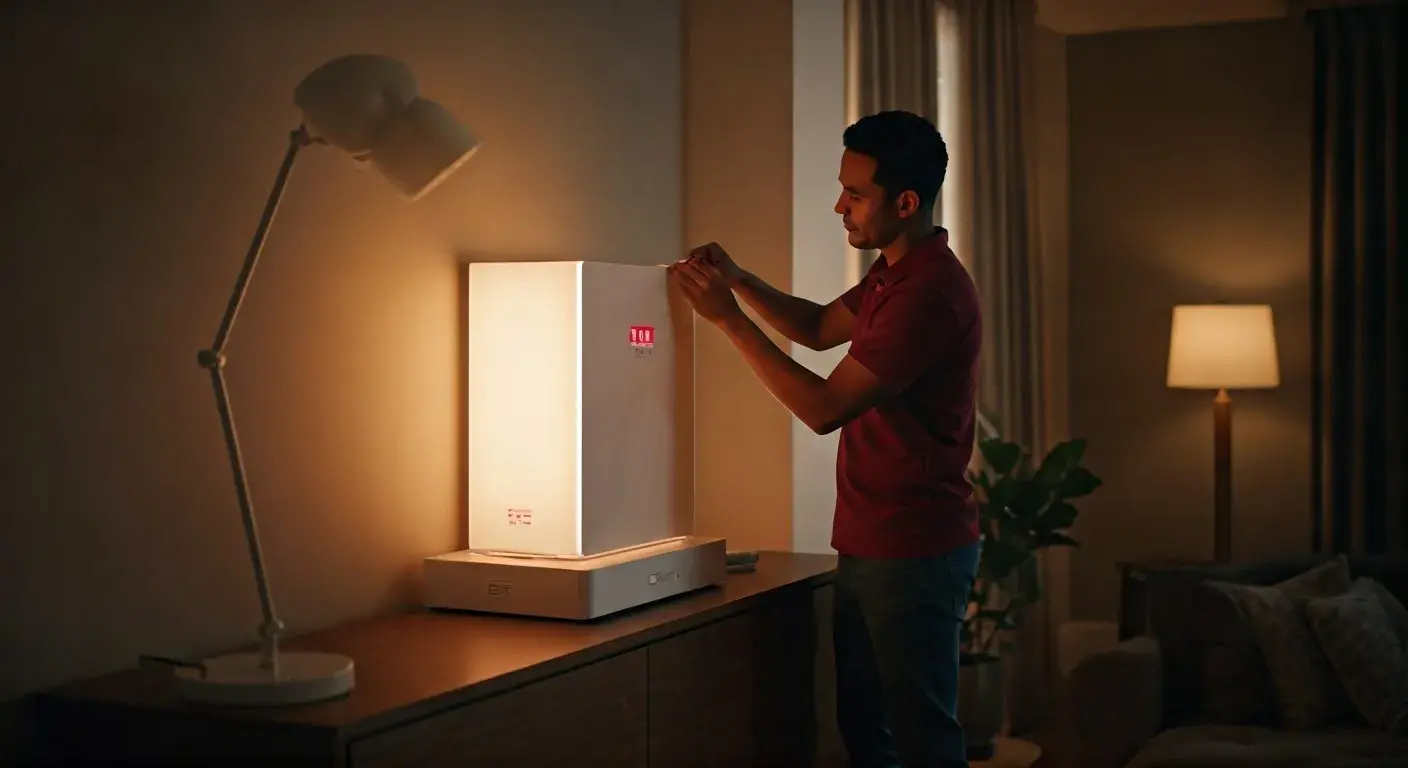
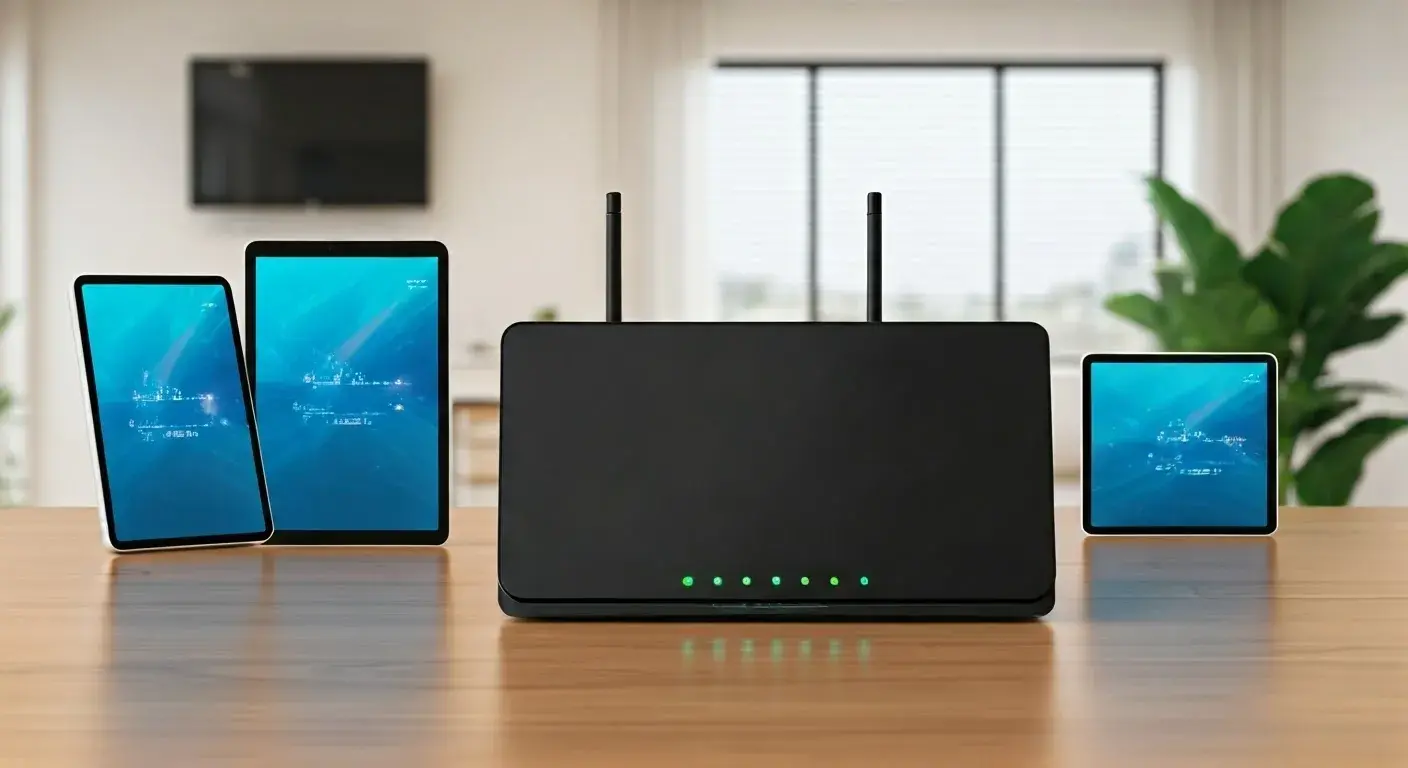
T-Mobile Home Internet typically comes with a proprietary gateway device that acts as both a modem and a Wi-Fi router. While these devices are designed to be user-friendly and easy to set up, they can also present limitations. Users often have no choice in the specific model of gateway they receive, and these devices may not offer the advanced features found in high-end third-party routers, such as robust parental controls, advanced Quality of Service (QoS) settings, or the ability to extend Wi-Fi coverage with a mesh system. Furthermore, the performance of the gateway is highly dependent on its placement within the home. The device needs to receive a strong cellular signal, which means it often needs to be positioned near a window, potentially on an upper floor, and away from obstructions like thick walls or metal objects. This can lead to inconvenient placement choices that might not align with where you ideally want your Wi-Fi router to be for optimal network coverage throughout your home. If the gateway is not optimally placed, Wi-Fi dead zones can occur, impacting connectivity in certain rooms. While T-Mobile offers guidance on placement, finding the perfect spot can sometimes be a trial-and-error process, and the limited flexibility of the provided equipment can be a drawback for users accustomed to more customizable home networking setups.
Coverage and Availability Issues
Perhaps the most significant hurdle for many potential T-Mobile Home Internet customers is availability. While T-Mobile's 5G network is expanding rapidly, it's not yet ubiquitous, especially for the specific type of fixed wireless service that T-Mobile Home Internet utilizes. The service relies on T-Mobile's home internet network, which is distinct from its mobile network in terms of capacity and optimization. This means that even if you have strong T-Mobile mobile signal in your area, T-Mobile Home Internet may not be available at your address. Availability is determined by T-Mobile's capacity to serve fixed locations from its cell towers. Areas with high mobile data usage might be prioritized for mobile customers, potentially limiting capacity for home internet. As of 2025, T-Mobile is actively working to expand its home internet footprint, but it's still a service that is more readily available in certain suburban and urban areas compared to very rural or remote locations where traditional broadband infrastructure is also scarce. Users must use T-Mobile's online availability checker to confirm if their specific address is eligible. This can be a major disappointment for individuals seeking an alternative to their current provider but finding themselves outside the service area.
Customer Service and Support Challenges
Customer service experiences can vary widely with any provider, and T-Mobile Home Internet is no exception. While T-Mobile aims to provide good support, some users have reported challenges when encountering technical issues or needing assistance. Because it's a newer service compared to traditional cable or DSL, support staff might be less experienced with the specific nuances of fixed wireless internet. Troubleshooting can sometimes involve a lengthy process of remote diagnostics and potentially requiring a technician visit, which may not always be readily available or efficient. Issues related to signal strength, gateway performance, or billing can sometimes lead to frustration if not resolved promptly. For users accustomed to the established support channels of larger cable companies, the T-Mobile Home Internet support experience might feel different. The reliance on a cellular network also means that troubleshooting might involve understanding cellular signal metrics, which can be complex for the average user. In 2025, T-Mobile continues to refine its support processes, but it's advisable for potential customers to be prepared for a support experience that might differ from what they're used to.
Comparison with Traditional Broadband
To fully appreciate the downsides of T-Mobile Home Internet, it's helpful to compare it with traditional broadband options like cable and fiber.
| Feature | T-Mobile Home Internet (FWA) | Cable Broadband | Fiber Optic Broadband |
|---|---|---|---|
| Speed Consistency | Variable, dependent on network congestion and signal strength. | Generally consistent, but can fluctuate during peak hours. | Highly consistent, often symmetrical upload/download speeds. |
| Latency | Potentially higher and more variable. | Moderate, generally lower than FWA. | Very low, ideal for real-time applications. |
| Data Caps/Throttling | No hard caps, but deprioritization possible. | Often have data caps or tiered plans. | Typically unlimited and unthrottled. |
| Installation | Self-install, gateway placement critical. | Professional installation often required. | Professional installation usually required. |
| Equipment | Proprietary gateway, limited customization. | Modem/router rental or purchase, more options. | Modem/router provided, often high-performance. |
| Availability | Growing, but not universal. | Widely available in urban/suburban areas. | Less common, primarily in newer developments or specific areas. |
| Price Stability | Fixed monthly price, no annual contract. | Introductory rates often increase after a year. | Generally competitive, can be higher upfront. |
As the table illustrates, T-Mobile Home Internet offers a unique value proposition, particularly regarding price and contract flexibility. However, for users who prioritize absolute speed consistency, the lowest possible latency, or the most advanced networking features, traditional cable or fiber may still be superior choices, provided they are available. The choice often comes down to a trade-off between cost, flexibility, and the specific demands of your internet usage.
Mitigating the Downsides
While the potential downsides of T-Mobile Home Internet are real, many can be mitigated with a proactive approach and a clear understanding of the technology. By implementing certain strategies, users can often achieve a satisfactory internet experience.
Optimizing Router Placement
The gateway device is the heart of your T-Mobile Home Internet connection, and its placement is paramount. Since it relies on a cellular signal, finding the spot with the strongest reception is crucial.
- High Ground: Place the gateway on an upper floor if possible. Higher locations generally have a clearer path to cell towers.
- Near Windows: Position the gateway close to a window, preferably one facing the direction of the nearest T-Mobile tower.
- Avoid Obstructions: Keep the gateway away from thick walls, metal objects, large appliances (like refrigerators or microwaves), and other electronic devices that can cause interference.
- Test Signal Strength: Most T-Mobile gateways have an indicator (often through a mobile app or lights on the device) that shows signal strength. Experiment with different locations, using the indicator to guide you to the best spot.
- Consider External Antennas (if applicable): For some fixed wireless services, external antennas can be an option, though T-Mobile's current gateway models may not support this. Check T-Mobile's official documentation or support for any advanced options.
Proper placement can significantly improve download and upload speeds, as well as overall connection stability.
Understanding Network Conditions
Recognize that T-Mobile Home Internet performance can fluctuate based on external factors.
- Peak Hours: Be aware that speeds may decrease during evenings and weekends when network usage is highest. If you have critical tasks requiring maximum speed, try to schedule them during off-peak hours (e.g., early mornings, late nights).
- Network Updates: T-Mobile is continuously upgrading its network. While this is generally good for long-term performance, temporary disruptions or changes in signal behavior can occur during maintenance or upgrades.
- Weather: Extreme weather conditions can sometimes affect cellular signals, though this is less common with 5G than with older technologies.
Monitoring your speeds at different times of the day can help you understand your typical performance patterns and plan your usage accordingly.
Managing Data Usage
While T-Mobile Home Internet doesn't have hard data caps, understanding its deprioritization policy is wise.
- Monitor Usage: If you are a very heavy user, keep an eye on your overall data consumption. T-Mobile's app or account portal may offer insights into your usage.
- Prioritize Activities: For critical, bandwidth-intensive tasks, try to ensure they are performed when network congestion is likely to be low.
- Optimize Streaming: Set streaming services to a lower resolution if you're experiencing slowdowns and don't need the highest quality.
By being mindful of your data habits, you can minimize the chances of encountering deprioritization that impacts your experience.
When to Consider Alternatives
Despite mitigation efforts, T-Mobile Home Internet might not be the right fit for everyone. Consider alternatives if:
- Gaming is Paramount: If you are a competitive online gamer who requires consistently low latency, fiber optic or even some high-tier cable plans will likely offer a superior experience.
- Consistent High Speeds are Non-Negotiable: For businesses or households that absolutely require the most stable and highest possible speeds at all times, fiber is the gold standard.
- Upload Speeds are Critical: If your work or hobbies involve frequent large file uploads (e.g., content creation, live streaming), the typically lower upload speeds of FWA might be a bottleneck.
- Coverage is Spotty: If T-Mobile Home Internet is not available at your address, or if available service is consistently poor even after optimization, you'll need to look elsewhere.
- Advanced Networking is Required: If you need to integrate your internet service with a complex home network, advanced router features, or custom firewall configurations, the proprietary gateway might be limiting.
In these scenarios, exploring offerings from traditional cable providers or looking for availability of fiber optic internet in your area would be the next logical step.
Real-World Scenarios and Case Studies
To illustrate the practical implications of T-Mobile Home Internet's downsides, consider these hypothetical scenarios based on typical user experiences reported in 2025:
Scenario 1: The Remote Worker
Sarah works from home as a graphic designer and relies heavily on video calls and uploading large design files. She lives in a suburban area where traditional broadband options are limited and expensive. T-Mobile Home Internet offers a significantly lower price point.
Initial Experience: Sarah is pleased with the ease of setup and the advertised speeds. Her video calls are generally smooth during the day.
The Downside Emerges: In the evenings, when network congestion increases, her upload speeds drop considerably. This makes uploading her daily work files frustratingly slow, sometimes taking twice as long as expected. She also experiences occasional choppiness on video calls during peak hours.
Mitigation: Sarah learns to schedule her large file uploads for early mornings or late at night. She also optimizes her gateway placement, finding a spot on the second floor near a west-facing window that provides a more stable signal. While not perfect, these adjustments make the service viable for her needs, though she still wishes for more consistent upload performance.
Scenario 2: The Competitive Gamer
Mark is an avid online gamer who competes in esports. He lives in an area where T-Mobile Home Internet is the only high-speed option available besides slow DSL. He's drawn by the "unlimited" data and attractive price.
Initial Experience: Mark is initially impressed by the download speeds, which allow for quick game downloads.
The Downside Emerges: During intense gaming sessions, Mark experiences frustrating lag spikes and higher-than-ideal ping times. The latency, while sometimes acceptable, is inconsistent and leads to unresponsiveness in critical moments, costing him matches. He finds that the signal can be more susceptible to fluctuations than he'd like for competitive play.
Mitigation: Mark dedicates a specific time of day for his gaming when network congestion is typically lower. He also ensures his gateway is placed in the optimal location for signal strength. However, he concludes that while T-Mobile Home Internet is adequate for casual gaming and streaming, it's not ideal for his competitive needs. He begins researching if a higher-tier cable plan with guaranteed lower latency is available in his area, even if it means a higher monthly cost.
Scenario 3: The Smart Home Enthusiast
The Chen family has a home filled with smart devices – smart lights, thermostats, security cameras, and multiple streaming devices. They're looking for an affordable, unlimited internet solution.
Initial Experience: The Chens are happy with the ease of setup and the fact that they don't have to worry about data limits, especially with multiple family members streaming simultaneously.
The Downside Emerges: They notice that during peak hours, their numerous smart devices occasionally disconnect or become unresponsive. The Wi-Fi signal from the T-Mobile gateway doesn't quite reach all corners of their larger home, creating dead zones. They also find the gateway's built-in Wi-Fi capabilities less robust than their previous high-end router.
Mitigation: The Chens experiment with gateway placement and discover that putting it on the main floor, near the center of the house, provides the best overall coverage. They also implement a strategy of scheduling non-essential smart home activities (like software updates for devices) during off-peak hours. While they manage, they acknowledge that a dedicated mesh Wi-Fi system would offer better coverage and performance for their extensive smart home ecosystem, but this would be an additional cost and complexity beyond the basic T-Mobile service.
Future Outlook for T-Mobile Home Internet
The landscape of home internet is constantly evolving, and T-Mobile Home Internet is positioned to play a significant role in this transformation. As of 2025, T-Mobile continues to invest heavily in its 5G network infrastructure, which is the backbone of its home internet service. This ongoing expansion is crucial for addressing the primary downside of availability. We can expect T-Mobile to continue pushing into new markets, making the service accessible to a larger portion of the population.
Furthermore, advancements in 5G technology, such as the rollout of mid-band and high-band spectrum (mmWave), are likely to bring higher speeds and lower latency to more areas. T-Mobile's strategy often involves leveraging its diverse spectrum holdings to offer a balance of coverage and performance. As the network matures, we may see improvements in speed consistency and a reduction in the impact of network congestion, although inherent limitations of fixed wireless will likely persist.
The competitive pressure from T-Mobile Home Internet is also forcing traditional providers to innovate. This could lead to more competitive pricing and better service offerings from cable and fiber companies, ultimately benefiting consumers. For T-Mobile itself, ongoing improvements in their gateway devices, potentially offering more advanced features or better Wi-Fi performance, could also mitigate some of the current equipment limitations.
However, it's important to remain realistic. Fixed wireless access, by its nature, will always be subject to factors like signal strength and shared tower capacity in ways that wired connections are not. Therefore, while T-Mobile Home Internet is likely to become a more robust and widely available option, it may not completely replace fiber optic for users who demand the absolute highest levels of performance and consistency. The service will likely continue to occupy a strong position as an excellent alternative for those who lack fiber or cable options, or who are seeking a more affordable and flexible broadband solution.
Conclusion: Making the Right Choice
T-Mobile Home Internet presents a compelling and often more affordable alternative to traditional broadband, especially for households in areas with limited or expensive wired options. Its promise of unlimited data and no annual contracts is highly attractive. However, as we've explored, potential users must carefully weigh these benefits against the inherent downsides. Speed and performance variability due to network congestion and signal strength, the possibility of data deprioritization, higher latency compared to fiber, and limitations with equipment and coverage are all critical factors to consider.
For many, particularly those with moderate internet needs, T-Mobile Home Internet can be an excellent choice. By optimizing gateway placement, understanding network conditions, and managing data usage, users can often achieve a satisfactory experience. However, for competitive gamers, heavy content creators requiring robust upload speeds, or users who demand the absolute highest levels of speed and latency consistency, traditional fiber optic or high-tier cable broadband may still be the superior, albeit potentially more expensive, option.
Ultimately, the best internet service for you depends on your specific location, your internet usage habits, and your budget. We strongly recommend using T-Mobile's online availability checker and, if possible, speaking with neighbors who already use the service to gauge real-world performance in your immediate area. By understanding both the advantages and the potential downsides, you can make an informed decision that best suits your household's connectivity needs in 2025 and beyond.