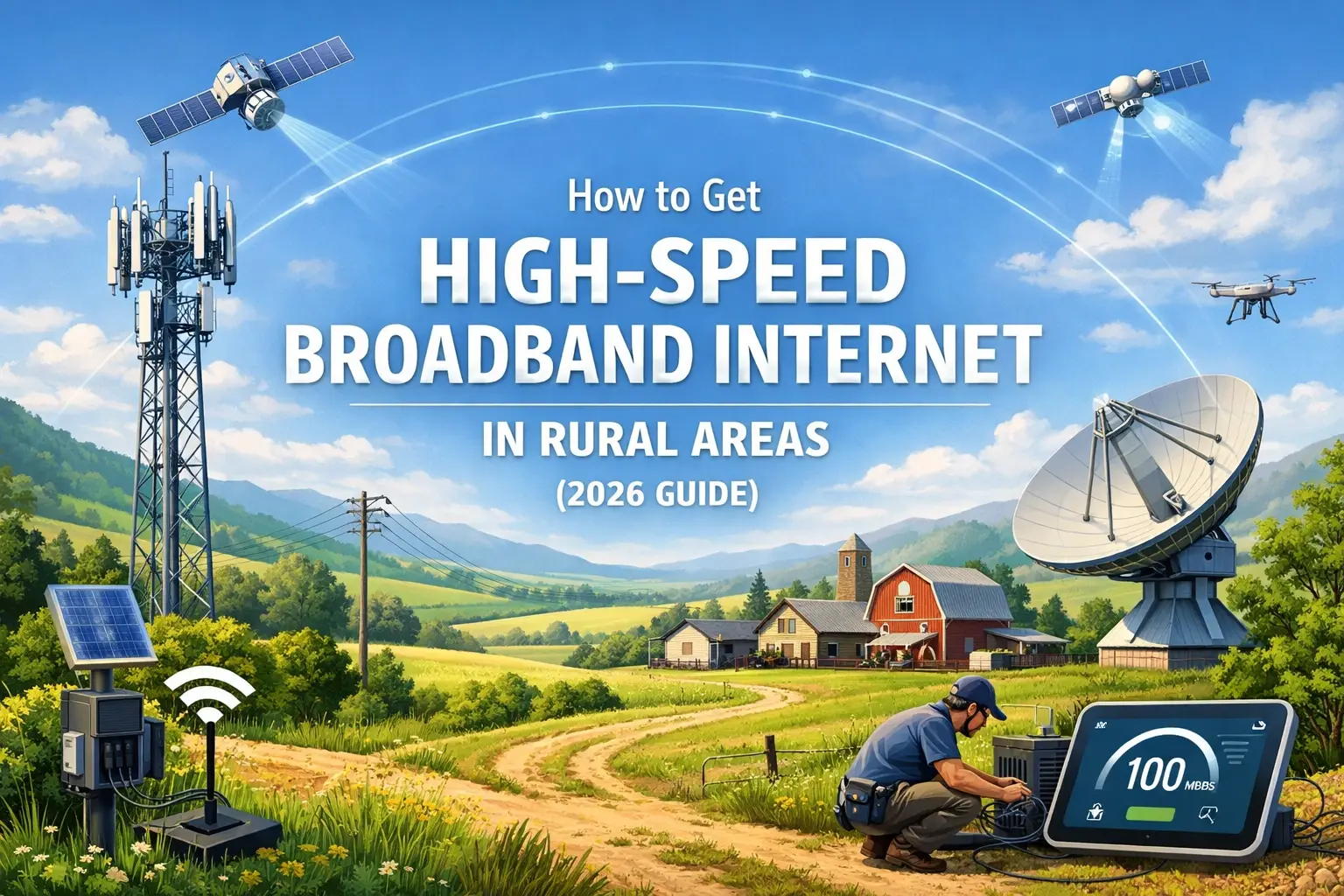
What is the Average Person's Internet Speed?

Understanding the average internet speed in 2025-26 is crucial for optimizing your online experience, from streaming and gaming to remote work and everyday browsing. This comprehensive guide delves into what constitutes average speeds, how they've evolved, and what factors influence your connection.
What is Average Internet Speed in 2025-26?
In 2025-26, the definition of "average" internet speed is a dynamic figure, constantly shifting with technological advancements and increasing user demands. Generally, the average download speed for a broadband connection in developed nations hovers around 150-200 Mbps (Megabits per second), with upload speeds typically being a fraction of that, often in the range of 20-30 Mbps. However, this is a broad generalization. The actual average can vary significantly based on geographic location, the type of internet service available, and the specific data sources used for measurement. For instance, urban areas with robust fiber optic infrastructure will likely report higher averages than rural areas relying on older DSL or satellite technologies. Furthermore, what was considered "fast" just a few years ago is now becoming the new baseline for an adequate connection.
It's important to distinguish between advertised speeds and actual speeds. Internet Service Providers (ISPs) often advertise "up to" certain speeds, which represent the maximum potential under ideal conditions. Real-world speeds are influenced by numerous factors, including network congestion, the quality of your home network equipment, and the distance from the nearest server. As of 2025-26, a speed of 100 Mbps download and 10 Mbps upload is often considered a good starting point for a household with moderate internet usage, capable of supporting a few simultaneous activities like streaming HD video and browsing. However, for households with multiple users, heavy streaming of 4K content, online gaming, or frequent large file downloads/uploads, speeds significantly higher than the average are increasingly becoming the norm and even a necessity.
The global average internet speed is also a key metric. While specific figures can fluctuate, reports from reputable sources like Ookla (Speedtest.net) and Akamai indicate that global average download speeds are steadily climbing. For fixed broadband, the global average download speed in early 2025 was estimated to be around 75-100 Mbps, with significant disparities between continents and countries. This figure is a testament to the ongoing expansion of broadband infrastructure worldwide, including the rollout of fiber-to-the-home (FTTH) and advancements in 5G mobile internet, which also impacts overall internet accessibility and perceived speeds.
When we talk about the "average person's" internet speed, we're often referring to the median speed experienced by a typical user rather than the mean. The median can provide a more representative picture, as it's less skewed by extremely high or low speeds. For instance, if half the population experiences speeds below 120 Mbps and half experience speeds above 120 Mbps, then 120 Mbps would be the median. This is a more practical way to understand what most people are likely experiencing day-to-day. The continuous push for faster internet is driven by the increasing bandwidth demands of modern applications and services, making the concept of "average" a moving target.
Factors Influencing Your Internet Speed
Several interconnected factors determine the actual internet speed you experience. Understanding these elements is key to diagnosing slow speeds and identifying potential solutions. These factors range from the type of service you subscribe to, the infrastructure in your area, to the equipment within your own home.
1. Type of Internet Connection
The fundamental technology used to deliver internet to your home is the most significant determinant of potential speed. Different connection types offer vastly different performance characteristics.
a. Fiber Optic
Fiber optic internet, utilizing light signals transmitted through thin strands of glass, is the fastest and most reliable option available. It can offer symmetrical speeds (download and upload speeds being the same), often exceeding 1 Gbps (Gigabit per second). This is the gold standard for high-demand users and is becoming more prevalent, especially in urban and suburban areas. Its capacity for high bandwidth and low latency makes it ideal for demanding applications.
b. Cable Internet
Cable internet, delivered through the same coaxial cables used for cable television, is a popular and widely available option. It offers significantly faster speeds than DSL, with typical download speeds ranging from 50 Mbps to over 1 Gbps. However, cable internet is a shared medium, meaning speeds can fluctuate during peak usage hours when many users in your neighborhood are online. Upload speeds are generally much lower than download speeds.
c. DSL (Digital Subscriber Line)
DSL internet uses existing telephone lines to transmit data. While it's more accessible than fiber in many areas, its speeds are considerably slower. Download speeds typically range from 5 Mbps to 100 Mbps, and are highly dependent on the distance from the local telephone exchange. The further you are, the slower the speed. Upload speeds are usually very limited.
d. Satellite Internet
Satellite internet is often the only option for remote or rural locations where wired connections are unavailable. It involves a satellite dish on your property communicating with a satellite in orbit. While speeds have improved, they generally lag behind other technologies, with download speeds often between 25 Mbps and 100 Mbps. A significant drawback of satellite internet is its high latency (delay), which can make real-time applications like online gaming or video conferencing challenging.
e. Fixed Wireless
Fixed wireless uses radio waves to connect to a local tower, offering an alternative to wired connections in areas where cable or fiber are not present. Speeds can vary widely, from 25 Mbps to over 100 Mbps, depending on the provider and the quality of the signal. Like satellite, latency can be a factor.
2. Your Internet Service Provider (ISP) and Plan
The specific plan you subscribe to from your ISP directly dictates the maximum speeds you can achieve. Higher-tier plans offer greater bandwidth and thus faster speeds. It's essential to choose a plan that aligns with your household's internet usage habits. Additionally, the ISP's network infrastructure, its capacity, and how well it's maintained play a crucial role. Some ISPs have more robust networks than others, leading to more consistent speeds.
3. Your Home Network Equipment
Even with a fast internet plan, outdated or low-quality home networking equipment can bottleneck your speeds. This includes your modem and router.
a. Modem
The modem is the device that connects your home network to your ISP's network. Ensure your modem is compatible with the speeds offered by your internet plan. An older modem might not be able to handle the throughput of a high-speed connection.
b. Router
The router distributes the internet connection to all your devices. A modern Wi-Fi router, particularly one supporting Wi-Fi 6 (802.11ax) or Wi-Fi 6E, can significantly improve wireless speeds and handle more devices simultaneously. Older routers (e.g., Wi-Fi 4 or 5) may not be able to deliver the full speed of your internet connection, especially over Wi-Fi.
c. Ethernet Cables
For the fastest and most stable connection, especially for stationary devices like desktop computers or gaming consoles, using an Ethernet cable directly from the router is recommended. The quality and category of the Ethernet cable (e.g., Cat 5e, Cat 6, Cat 6a) can also impact speed, though for speeds up to 1 Gbps, Cat 5e or Cat 6 is generally sufficient.
4. Wi-Fi Signal Strength and Interference
Wireless connections are inherently susceptible to signal degradation. Factors that weaken Wi-Fi signals include:
- Distance from the router: The further a device is from the router, the weaker the signal.
- Physical Obstructions: Walls (especially brick or concrete), floors, large appliances, and even aquariums can absorb or block Wi-Fi signals.
- Interference: Other electronic devices operating on similar frequencies, such as microwaves, Bluetooth devices, cordless phones, and even neighboring Wi-Fi networks, can cause interference and slow down your connection.
- Router Placement: Placing the router in a central, elevated, and open location in your home maximizes signal coverage.
5. Network Congestion
This applies both to your ISP's network and your home network. When many users in your neighborhood are simultaneously using the internet (especially during peak evening hours), the shared bandwidth can become congested, leading to slower speeds for everyone. Similarly, if many devices in your home are actively using the internet at the same time, your home network can experience congestion.
6. Device Limitations
The device you are using to access the internet can also be a limiting factor. Older computers, smartphones, or tablets might have older network cards or processors that cannot handle high-speed internet effectively. Malware or background processes on a device can also consume bandwidth and slow down perceived performance.
7. Server Performance and Distance
The speed of the server you are connecting to also plays a role. If the server hosting the website or service you are accessing is overloaded or geographically distant, it can impact your download and upload speeds, regardless of your own connection's capabilities.
Understanding Different Internet Connection Types
The landscape of internet connectivity is diverse, with various technologies vying to provide access. Each type has its unique characteristics, advantages, and disadvantages, influencing the speed, reliability, and cost of your internet service. As of 2025-26, the most prevalent and emerging connection types are:
1. Fiber Optic Internet
Fiber optic internet is the pinnacle of current broadband technology. It transmits data as pulses of light through ultra-thin strands of glass or plastic. This method offers unparalleled speed, reliability, and low latency.
- How it Works: Data travels as light signals from your home, through a network of fiber optic cables, to the ISP's network and beyond.
- Speeds: Download and upload speeds can range from 100 Mbps to over 10 Gbps. Symmetrical speeds (download = upload) are a common feature, which is a significant advantage for tasks like video conferencing, uploading large files, and live streaming.
- Pros: Extremely fast, low latency, highly reliable, not affected by electromagnetic interference, future-proof.
- Cons: Availability is still limited, especially in rural areas; installation can be more complex and costly than other methods.
- Best For: Power users, gamers, businesses, households with many connected devices, and those who stream 4K content regularly.
2. Cable Internet
Cable internet leverages the same coaxial cable infrastructure used for cable television. It's a widely available and popular choice, offering a good balance of speed and accessibility.
- How it Works: Data is transmitted over coaxial cables, often sharing bandwidth with other users in a neighborhood.
- Speeds: Download speeds typically range from 50 Mbps to 1 Gbps, with higher tiers reaching up to 2 Gbps in some areas. Upload speeds are significantly lower, often ranging from 5 Mbps to 50 Mbps.
- Pros: Widely available, generally faster than DSL, competitive pricing.
- Cons: Shared bandwidth can lead to slower speeds during peak hours, upload speeds are asymmetrical and slower.
- Best For: General home use, streaming HD content, moderate online gaming, and households with a few active users.
3. DSL (Digital Subscriber Line) Internet
DSL internet uses existing copper telephone lines to deliver broadband. It's a legacy technology that is still prevalent, especially in areas where newer infrastructure hasn't been deployed.
- How it Works: DSL modems use a higher frequency range on telephone lines than voice calls, allowing simultaneous internet and phone use.
- Speeds: Speeds vary greatly depending on distance from the telephone exchange, typically ranging from 5 Mbps to 100 Mbps download. Upload speeds are very limited, often below 10 Mbps.
- Pros: Widely available due to existing phone lines, generally more affordable than cable or fiber.
- Cons: Speeds are significantly slower than cable or fiber, highly dependent on distance from the exchange, susceptible to line quality issues.
- Best For: Basic internet needs, light browsing, email, and users in areas with limited alternatives.
4. Satellite Internet
Satellite internet is a crucial option for individuals in remote or rural locations where terrestrial broadband services are not feasible.
- How it Works: A satellite dish on your property communicates with a satellite in geostationary orbit, which then relays data to a ground station connected to the internet.
- Speeds: Download speeds can range from 25 Mbps to 100 Mbps, with some providers offering higher tiers. Upload speeds are typically slower, around 3 Mbps to 5 Mbps.
- Pros: Available virtually anywhere with a clear view of the sky.
- Cons: High latency (delay) due to the vast distance the signal travels, susceptible to weather conditions (rain, snow), data caps are common, often more expensive per GB.
- Best For: Users in extremely rural or remote areas with no other broadband options.
5. Fixed Wireless Internet
Fixed wireless provides internet access using radio waves transmitted between a provider's tower and a receiver installed at the customer's location. It's an alternative to wired connections in underserved areas.
- How it Works: A small antenna or dish is mounted on the user's home to receive signals from a nearby fixed wireless tower.
- Speeds: Speeds can vary widely, from 25 Mbps to over 100 Mbps download, depending on the provider, spectrum used, and signal strength.
- Pros: Can be deployed faster than wired infrastructure, offers an alternative to DSL or satellite in some areas.
- Cons: Performance can be affected by distance, line-of-sight obstructions (trees, buildings), and weather.
- Best For: Rural and suburban areas where wired options are limited or expensive.
6. 5G Home Internet
As 5G cellular technology matures, it's increasingly being used to offer home internet services. This offers a wireless alternative that can rival the speeds of cable and even fiber in some instances.
- How it Works: Utilizes 5G cellular networks to provide internet access to a dedicated home router.
- Speeds: Speeds can vary significantly but often range from 100 Mbps to over 1 Gbps, depending on the 5G spectrum used and network congestion.
- Pros: Potentially very fast, easy setup, no physical wires to the home, can be a competitive alternative to traditional broadband.
- Cons: Availability is still expanding, speeds can fluctuate based on cellular network conditions, may have data caps or throttling.
- Best For: Users in areas with strong 5G coverage looking for a fast, flexible alternative to wired broadband.
How to Accurately Measure Your Internet Speed
Knowing your actual internet speed is fundamental to understanding your online experience and troubleshooting any issues. Simply guessing or relying on your ISP's advertised speeds isn't enough. Accurate measurement requires a systematic approach. Here’s how to do it:
1. Choose a Reliable Speed Test Tool
Several reputable online speed test services are available. The most popular and widely used include:
- Speedtest.net by Ookla: This is arguably the industry standard, offering a vast network of servers worldwide for accurate testing.
- Fast.com (Netflix): Developed by Netflix, this tool is optimized for testing streaming performance and is known for its simplicity.
- Google's Speed Test: Integrated into Google search, it provides a quick and easy way to test your connection.
- Your ISP's Speed Test: Many ISPs offer their own speed test tools, which can be useful for diagnosing issues specific to their network.
For the most accurate results, it's recommended to try a few different tools to compare.
2. Prepare Your Testing Environment
To get the most accurate reading, you need to minimize variables that could skew the results. Follow these steps:
- Use a Wired Connection: The most accurate speed tests are performed using an Ethernet cable connected directly from your computer to your router. Wi-Fi speeds can be affected by signal strength, interference, and router limitations. If you must test Wi-Fi, ensure you are close to the router.
- Close Unnecessary Applications: Shut down any applications or browser tabs that might be using bandwidth, such as streaming services, cloud storage syncs, or large downloads.
- Disconnect Other Devices: Temporarily disconnect other devices (smartphones, tablets, smart TVs, game consoles) from your network to ensure they aren't consuming bandwidth during the test.
- Restart Your Modem and Router: A simple restart can often resolve temporary glitches that might be affecting performance. Unplug both devices, wait about 30 seconds, and then plug them back in, starting with the modem.
- Test at Different Times: Internet speeds can fluctuate throughout the day due to network congestion. Test your speed during different times, especially during peak hours (e.g., evenings) and off-peak hours, to get a comprehensive understanding of your connection's performance.
3. Run the Speed Test
Once your environment is prepared:
- Open your web browser and navigate to your chosen speed test website.
- Click the "Go," "Start," or "Run Test" button.
- The test will typically measure three key metrics:
- Download Speed: The speed at which your device receives data from the internet. This is the most critical metric for most users, impacting streaming, browsing, and downloading.
- Upload Speed: The speed at which your device sends data to the internet. This is important for video calls, uploading files, and online gaming.
- Ping (Latency): The time it takes for a small packet of data to travel from your device to the test server and back. Lower ping is better, especially for real-time applications like gaming and video conferencing. Measured in milliseconds (ms).
- Record the results. It's a good practice to run the test 2-3 times to ensure consistency.
4. Interpret Your Results
Compare the speeds you measured against the speeds advertised in your internet plan. Remember that advertised speeds are often "up to" maximums, and actual speeds can be lower. Look for consistency in your results. If your speeds are consistently much lower than your plan's advertised speeds, or if your ping is very high, it may indicate a problem that needs to be addressed with your ISP or your home network setup.
For example, if your plan is for 200 Mbps download and you consistently get 50 Mbps, there's a significant discrepancy. If your ping is consistently over 100 ms, real-time applications might suffer.
5. What to Do If Speeds Are Low
- Check your equipment: Ensure your modem and router are up-to-date and compatible with your plan.
- Check Wi-Fi signal: If testing over Wi-Fi, try moving closer to the router or consider a Wi-Fi extender or mesh system.
- Contact your ISP: If wired tests are consistently slow and you've ruled out your equipment, contact your ISP. They can check for issues on their end, such as line problems or network congestion in your area.
Regularly testing your internet speed ensures you're getting the service you pay for and helps you maintain an optimal online experience.
Internet Speed Requirements for Common Online Activities
Understanding the minimum and recommended internet speeds for various online activities is essential for choosing the right plan and ensuring a smooth, frustration-free experience. As online content becomes richer and applications more demanding, these requirements continue to evolve. Here’s a breakdown of typical internet speed needs for common tasks in 2025-26:
1. Basic Web Browsing and Email
- Minimum Speed: 5-10 Mbps download
- Recommended Speed: 10-25 Mbps download
- Explanation: For simply visiting websites, reading articles, and sending/receiving emails, minimal bandwidth is required. Even slower connections can handle these tasks, though loading complex pages with many images or videos might take longer.
2. Streaming Standard Definition (SD) Video
- Minimum Speed: 3 Mbps download
- Recommended Speed: 5 Mbps download
- Explanation: Streaming SD content is not very bandwidth-intensive. Most basic internet plans can handle this without issues.
3. Streaming High Definition (HD) Video (720p/1080p)
- Minimum Speed: 5 Mbps download
- Recommended Speed: 10-25 Mbps download
- Explanation: Watching movies or TV shows in HD requires a more substantial connection. A stable 10 Mbps is generally sufficient for a single HD stream, but 25 Mbps provides a buffer for smoother playback and reduces buffering, especially if other devices are also using the internet.
4. Streaming 4K Ultra High Definition (UHD) Video
- Minimum Speed: 15-25 Mbps download
- Recommended Speed: 25-50 Mbps download
- Explanation: 4K content is significantly more data-intensive. While 15-25 Mbps might be the bare minimum for a single stream, 25-50 Mbps ensures a high-quality, buffer-free experience. This is crucial for users with large 4K TVs and those who subscribe to premium streaming services offering 4K content.
5. Online Gaming (Multiplayer)
- Minimum Download Speed: 10-25 Mbps
- Minimum Upload Speed: 1-3 Mbps
- Recommended Download Speed: 50-100 Mbps
- Recommended Upload Speed: 5-10 Mbps
- Ping (Latency): Below 50 ms is ideal; below 100 ms is generally acceptable.
- Explanation: For online gaming, download speed is important for downloading game updates and assets, but upload speed and low latency (ping) are paramount for responsive gameplay. High ping can lead to lag and a poor gaming experience.
6. Video Conferencing (e.g., Zoom, Google Meet)
- For Standard Definition (SD) Calls:
- Minimum Download Speed: 3-4 Mbps
- Minimum Upload Speed: 1-2 Mbps
- For High Definition (HD) Calls:
- Minimum Download Speed: 5-8 Mbps
- Minimum Upload Speed: 2-4 Mbps
- Recommended for Multiple HD Participants or Screen Sharing:
- Download Speed: 10-25 Mbps
- Upload Speed: 5-10 Mbps
- Explanation: Upload speed is particularly critical for video conferencing, as you are sending your video and audio feed to others. HD calls require more bandwidth for both download and upload.
7. Large File Downloads/Uploads
- Download Speed: The faster, the better. A 1 Gbps connection can download a 1 GB file in about 8 seconds, while a 100 Mbps connection takes about 80 seconds.
- Upload Speed: Crucial for backing up files to the cloud, sharing large documents, or uploading videos. A 100 Mbps upload speed is significantly better than 10 Mbps for these tasks.
- Explanation: If you frequently download large software updates, movies, or upload extensive video projects, higher download and upload speeds will drastically reduce waiting times.
8. Smart Home Devices
- Minimum Speed: 1-2 Mbps per device
- Recommended Speed: 5-10 Mbps for the network supporting them
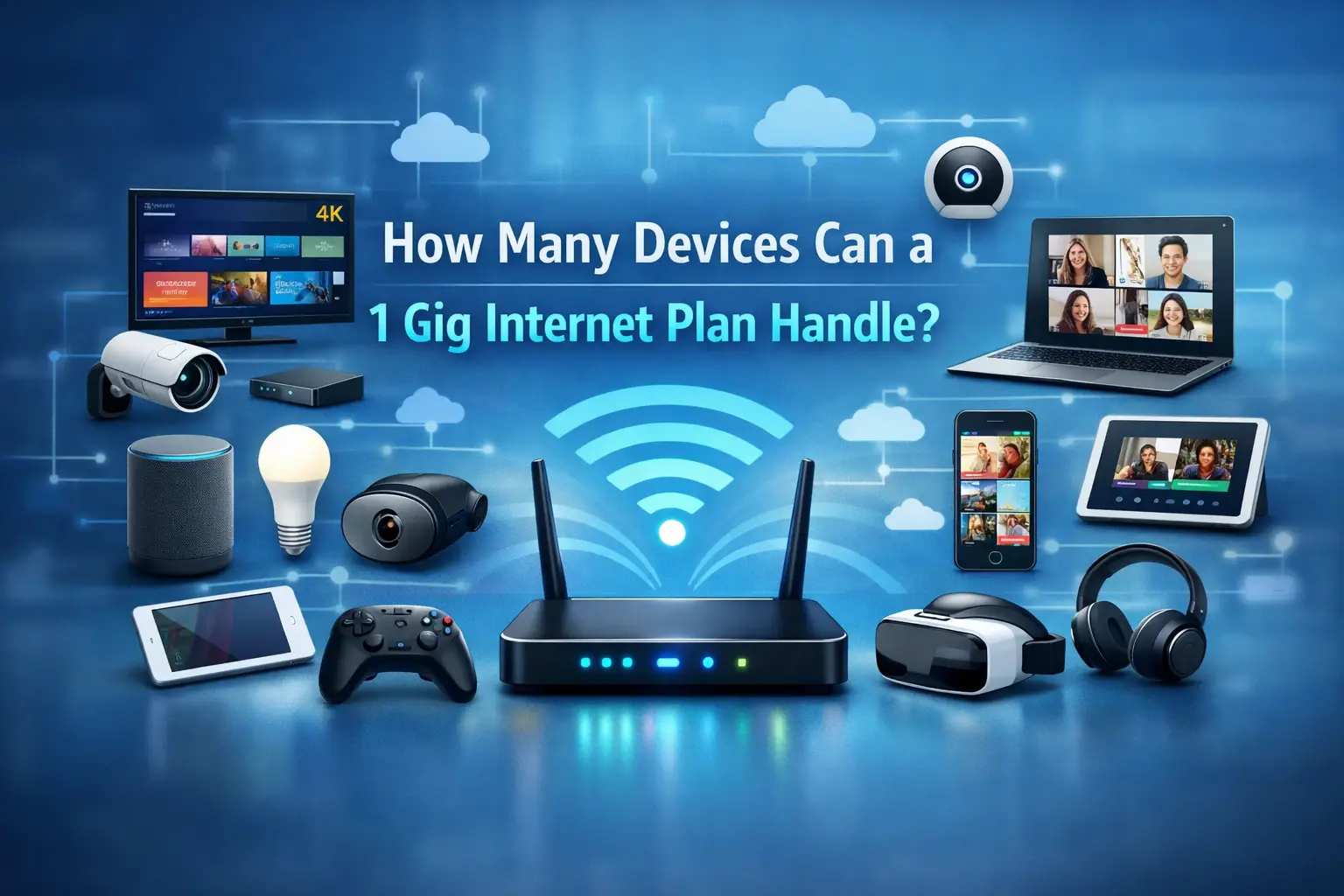
- Explanation: While individual smart home devices (e.g., smart bulbs, thermostats) consume very little bandwidth, a large number of them can add up. Ensure your network can handle the aggregate demand, especially if they are also streaming video (like smart cameras).
9. Working from Home (General Productivity)
- Recommended Speed: 25-50 Mbps download, 10-20 Mbps upload
- Explanation: This covers a range of activities like email, document editing, web browsing, occasional video calls, and accessing cloud-based applications. For more demanding remote work, such as extensive video conferencing, large file transfers, or remote desktop access, higher speeds (50-100+ Mbps download, 10-20+ Mbps upload) are advisable.
Summary Table of Speed Requirements (Approximate)
| Activity | Minimum Download Speed | Recommended Download Speed | Recommended Upload Speed | Ideal Ping (ms) |
|---|---|---|---|---|
| Basic Browsing/Email | 5 Mbps | 10-25 Mbps | N/A | <100 ms |
| SD Streaming | 3 Mbps | 5 Mbps | N/A | <100 ms |
| HD Streaming (1080p) | 5 Mbps | 10-25 Mbps | N/A | <70 ms |
| 4K Streaming (UHD) | 15-25 Mbps | 25-50 Mbps | N/A | <50 ms |
| Online Gaming | 10-25 Mbps | 50-100 Mbps | 5-10 Mbps | <50 ms |
| HD Video Conferencing | 5-8 Mbps | 10-25 Mbps | 2-4 Mbps | <70 ms |
| Heavy Remote Work | 25-50 Mbps | 50-100+ Mbps | 10-20+ Mbps | <50 ms |
It's also important to consider the number of users and devices in your household. A plan that's sufficient for one person might be inadequate for a family of four, even if their individual activities are similar. Prioritizing upload speeds and low latency is crucial for real-time applications and modern online collaboration.
Current Trends and Future of Internet Speeds
The internet speed landscape is in a constant state of evolution, driven by technological innovation, increasing consumer demand for bandwidth-hungry applications, and government initiatives to expand broadband access. As we navigate 2025-26, several key trends are shaping the present and future of internet speeds.
1. Proliferation of Fiber Optic Networks
Fiber-to-the-home (FTTH) continues to be the dominant force in delivering high-speed internet. ISPs are investing heavily in expanding fiber optic infrastructure, particularly in urban and suburban areas. This trend is driven by fiber's superior capacity, lower latency, and symmetrical speed capabilities, which are essential for the growing demands of 4K streaming, cloud computing, online gaming, and remote work. We are seeing an increase in gigabit and multi-gigabit fiber plans becoming more mainstream and affordable.
2. Advancements in 5G and Fixed Wireless
The rollout and maturation of 5G technology are transforming wireless internet access. 5G home internet is emerging as a viable and often competitive alternative to traditional wired broadband, especially in areas where fiber deployment is challenging or expensive. Fixed wireless access (FWA) technologies, powered by 5G and other advanced wireless spectrums, are also improving in speed and reliability, offering faster alternatives to DSL and satellite in underserved regions. This competition is pushing all providers to improve their offerings.
3. Increasing Demand for Symmetrical Speeds
Historically, internet plans have offered much higher download speeds than upload speeds. However, the rise of video conferencing, cloud backups, live streaming, and remote collaboration tools has highlighted the importance of robust upload capabilities. Consequently, there's a growing demand for symmetrical speeds, where download and upload speeds are equal. Fiber optic connections are leading this charge, and we may see more cable and wireless providers offering improved upload tiers.
4. The Rise of Multi-Gigabit Speeds
Speeds of 1 Gbps are no longer considered cutting-edge; they are becoming a standard offering from many ISPs. The focus is now shifting towards multi-gigabit speeds (2 Gbps, 5 Gbps, and even 10 Gbps). These speeds are primarily enabled by fiber optics but are also being explored through advancements in cable (DOCSIS 4.0) and wireless technologies. While not yet mainstream for every household, these ultra-fast tiers are becoming available for early adopters and high-demand users.
5. Focus on Network Neutrality and Open Access
Discussions around network neutrality and open access continue to influence the internet landscape. Ensuring fair and open access to the internet, without throttling or prioritizing certain types of traffic, is crucial for fostering innovation and competition. Policies promoting open access networks, where multiple ISPs can use the same infrastructure, can also drive down costs and increase service options for consumers.
6. Edge Computing and Lower Latency
As applications become more sophisticated and require near-instantaneous responses (e.g., autonomous vehicles, augmented reality, real-time industrial automation), the focus on reducing latency is intensifying. Edge computing, which involves processing data closer to the source rather than in distant data centers, is a key trend. This will require networks with extremely low latency, a domain where fiber optics and advanced wireless technologies excel.
7. Bridging the Digital Divide
Governments and regulatory bodies worldwide are prioritizing initiatives to expand broadband access to rural, remote, and low-income communities. This "digital divide" remains a significant challenge, and efforts are underway to deploy fiber, fixed wireless, and satellite technologies to ensure more equitable access to high-speed internet. This will contribute to a higher global average internet speed over time.
8. Enhanced Wi-Fi Standards
The future of internet speed within the home is also tied to Wi-Fi advancements. Standards like Wi-Fi 6E and the emerging Wi-Fi 7 (802.11be) offer higher speeds, increased capacity, and reduced latency over wireless connections, ensuring that the speeds delivered by ISPs can be effectively utilized by devices within the home. These standards are crucial for supporting the growing number of connected devices and bandwidth-intensive wireless applications.
In summary, the future of internet speed is characterized by faster, more reliable connections, with a growing emphasis on symmetrical speeds and lower latency. Fiber optics will remain the backbone, while 5G and advanced wireless technologies will expand access and offer competitive alternatives. The ongoing efforts to bridge the digital divide and improve in-home Wi-Fi will ensure that these advancements benefit a wider population.
Tips to Optimize and Improve Your Internet Speed
Even with a fast internet plan, your actual online experience can be hampered by various factors. Fortunately, several practical steps can help you optimize your existing connection and potentially improve your internet speeds without necessarily upgrading your plan. These tips focus on your home network, your devices, and how you use the internet.
1. Upgrade Your Router and Modem
Your modem and router are the gateways to your internet connection. If they are outdated, they can become bottlenecks.
- Check Compatibility: Ensure your modem is certified for the speeds your ISP provides. If you're renting a modem from your ISP, inquire about their latest models.
- Invest in a Modern Router: A Wi-Fi 6 (802.11ax) or Wi-Fi 6E router can significantly improve wireless speeds, especially if you have multiple devices. These routers offer better efficiency, handle more devices simultaneously, and reduce interference.
- Consider a Mesh Wi-Fi System: For larger homes or areas with Wi-Fi dead zones, a mesh system (multiple nodes that work together) provides more consistent coverage and speed throughout your entire home compared to a single router.
2. Optimize Your Wi-Fi Network
Even with a good router, Wi-Fi performance can be improved:
- Router Placement: Position your router in a central, elevated, and open location in your home. Avoid placing it near thick walls, large metal objects, or appliances that can cause interference (like microwaves).
- Change Wi-Fi Channel: Routers broadcast on specific channels. If many neighboring networks are using the same channel, it can cause interference. Use your router's settings or a Wi-Fi analyzer app to find a less congested channel.
- Use the 5 GHz Band: Most modern routers offer both 2.4 GHz and 5 GHz bands. The 5 GHz band is faster and less prone to interference but has a shorter range. Use it for devices closer to the router that require higher speeds. The 2.4 GHz band has a longer range and better penetration through walls but is slower.
- Update Router Firmware: ISPs and router manufacturers regularly release firmware updates that can improve performance, security, and stability. Check your router's administration page for available updates.
3. Use Wired Connections When Possible
For devices that are stationary and require the fastest, most stable connection (e.g., desktop computers, gaming consoles, smart TVs), use an Ethernet cable directly connected to your router. This bypasses Wi-Fi limitations entirely and ensures you get the maximum speed your plan offers.
4. Manage Your Network Congestion
If multiple devices are using the internet simultaneously, it can slow down performance for everyone.
- Prioritize Devices: Some routers have Quality of Service (QoS) settings that allow you to prioritize bandwidth for specific devices or applications (e.g., prioritize video conferencing over background downloads).
- Schedule Large Downloads/Updates: If possible, schedule large downloads or software updates for off-peak hours when network usage is lower.
- Limit Simultaneous Streaming: Be mindful of how many devices are streaming high-definition or 4K content at the same time.
5. Optimize Your Devices
The performance of your internet connection is also dependent on the devices you use:
- Restart Devices: Regularly restarting your computer, smartphone, or tablet can clear temporary memory issues and background processes that might be consuming bandwidth.
- Scan for Malware: Malware and viruses can consume significant bandwidth without your knowledge. Run regular antivirus and anti-malware scans.
- Close Unused Applications and Tabs: Applications running in the background or numerous open browser tabs can consume resources and bandwidth.
- Update Device Drivers: Ensure your network adapter drivers are up to date.
6. Check Your Internet Plan
If you've tried optimizing your network and devices and still experience slow speeds, it might be time to re-evaluate your internet plan.
- Test Your Speed Regularly: Use reliable speed test tools (as discussed in the previous section) to confirm if you're consistently receiving the speeds you're paying for.
- Contact Your ISP: If your speeds are consistently below what's advertised, contact your ISP. There might be an issue with their equipment, the lines in your area, or you may need a plan upgrade.
- Consider a Speed Upgrade: If your household's internet usage has increased or if your current plan is simply insufficient for your needs, upgrading to a higher-tier plan might be the most effective solution.
7. Reduce VPN Usage or Use a Faster VPN
While VPNs are essential for privacy and security, they can significantly slow down your internet speed due to encryption and routing overhead. If speed is critical, consider temporarily disabling your VPN or switching to a VPN provider known for better performance.
8. Use DNS Servers Wisely
While not directly impacting speed in terms of Mbps, changing your DNS server can sometimes improve the speed at which websites resolve. Public DNS servers like Google DNS or Cloudflare DNS are often faster than those provided by ISPs.
By implementing these optimization tips, you can ensure you're getting the most out of your current internet connection, leading to a smoother, faster, and more reliable online experience.
Conclusion
In 2025-26, understanding the average internet speed is more critical than ever. With speeds generally ranging from 150-200 Mbps for fixed broadband in developed regions, the definition of "average" continues to climb, driven by the insatiable demand for bandwidth. Factors like your connection type (fiber, cable, DSL), your ISP's plan, your home network equipment, and even Wi-Fi interference all play significant roles in the speed you actually experience. Fiber optic remains the gold standard for speed and reliability, while 5G home internet and advanced fixed wireless solutions are rapidly expanding access and offering competitive alternatives.
Accurately measuring your internet speed using reliable tools and a controlled environment is the first step to identifying any discrepancies. Knowing the speed requirements for your daily activities—from streaming 4K content and online gaming to video conferencing and remote work—allows you to select the appropriate plan and optimize your setup. Trends indicate a future with even faster, symmetrical speeds and lower latency, fueled by ongoing fiber expansion and 5G advancements.
To ensure you're getting the best possible online experience, focus on optimizing your home network by upgrading your router, strategically placing it, and utilizing wired connections where feasible. Regularly managing network congestion and ensuring your devices are performing optimally are also key. If your speeds consistently fall short, don't hesitate to test your connection and consult with your ISP. By staying informed and proactively managing your internet setup, you can ensure your connection keeps pace with the demands of modern digital life.