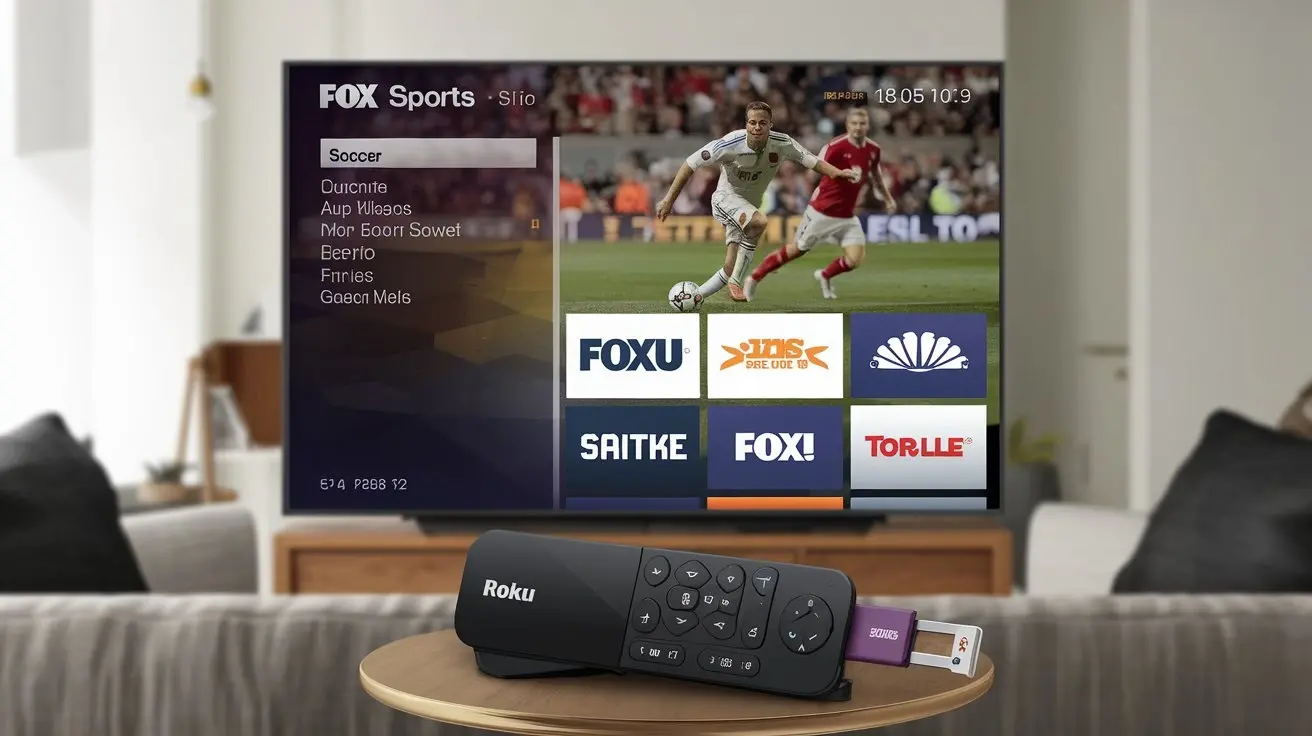
As streaming services continue to rise in popularity, sports enthusiasts seek more flexible and convenient ways to watch their favorite games. Roku, a leading streaming platform, and Spectrum, a major cable provider, allow users to enjoy live sports, including Fox Sports, without the hassle of traditional cable setups. This blog will guide you through how to watch Fox Sports on Roku via Spectrum, providing a step-by-step process, helpful tips, and troubleshooting solutions. Whether you're a seasoned sports fan or just looking for a better way to access live games, this guide has everything you need.
Why Stream Fox Sports on Roku Using Spectrum?
Streaming Fox Sports on Roku through Spectrum offers several benefits. The combination allows you to enjoy the flexibility of streaming while still accessing premium sports content that’s typically available via traditional cable. Here are a few reasons why streaming Fox Sports through Roku and Spectrum is ideal:
- Convenience: All your channels are available on one platform, eliminating the need to switch between devices.
- Portability: Roku is portable, allowing you to watch your favorite games at home or on the go.
- Cost-Effective: Streaming through Roku can save money compared to traditional cable setups.
- Live Sports Anytime: Never miss a game with live streaming on-demand.
Prerequisites for Watching Fox Sports on Roku via Spectrum
Before diving into the process, ensure you have the following in place:
-
Spectrum Subscription: Ensure you are subscribed to a Spectrum TV package that includes Fox Sports. Packages like Spectrum’s Select, Silver, or Gold typically have FS1, FS2, and other related channels.
-
Roku Device: You’ll need a Roku device, such as Roku Express, Roku Ultra, or Roku Streaming Stick+, that supports Spectrum and Fox Sports apps. Make sure your Roku is up to date.
-
Stable Internet Connection: For an optimal experience, ensure your internet speed is sufficient for streaming HD content. Spectrum recommends at least 25 Mbps for streaming.
-
Fox Sports and Spectrum TV Apps: You’ll need to download both the Fox Sports app and the Spectrum TV app on your Roku device to access all available content.
Step-by-Step Guide to Watching Fox Sports on Roku via Spectrum
Step 1: Setting up Roku
- Connect your Roku device to your TV and power it on.
- Follow the on-screen instructions to connect Roku to your home Wi-Fi network.
- Ensure your Roku account is active and synced with the device.
Step 2: Downloading the Spectrum TV App
- Using your Roku remote, navigate to the Roku Channel Store.
- Search for the Spectrum TV App and download it.
- Open the app and sign in using your Spectrum account credentials. If you’re not yet subscribed, follow the prompts to sign up.
- Once logged in, you’ll be able to browse live TV channels, including Fox Sports if part of your package.
Step 3: Accessing Fox Sports through the Spectrum TV App
- In the Spectrum TV app, navigate to the live TV guide.
- Scroll to find Fox Sports 1 (FS1), Fox Sports 2 (FS2), and other related channels.
- Select the channel and start watching live sports, highlights, and shows directly on Roku.
Step 4: Using the Fox Sports App (Alternative Method)
- Alternatively, you can download the Fox Sports App directly from the Roku Channel Store.
- Open the app and log in using your Spectrum credentials to unlock Fox Sports content.
- Customize the app by following your favorite teams, leagues, or specific sports for a personalized experience.
Fox Sports Channels You Can Watch via Spectrum on Roku
Spectrum’s TV packages include various Fox Sports channels. Here’s a breakdown of what you can expect:
-
Fox Sports 1 (FS1): FS1 broadcasts live sports events, including NFL, MLB, college football, UFC, and NASCAR. It’s a must-have for any sports fan.
-
Fox Sports 2 (FS2): FS2 offers complementary coverage, secondary events, and analysis that enhance the viewing experience.
-
Fox Deportes: Spanish-speaking viewers can enjoy live sports in Spanish, with major league events like NFL games, MLB, and more.
-
Big Ten Network: This channel provides in-depth college sports coverage, particularly for fans of Big Ten schools.
-
Pay-Per-View Events: Spectrum offers premium pay-per-view sports events, which you can also access through Roku, ensuring you never miss high-profile matches or championships.
Common Issues and Troubleshooting Tips
Even with the best setup, you may encounter occasional issues. Here’s how to solve them:
-
App Crashes or Freezes: If the app crashes, try restarting your Roku device or uninstalling and reinstalling the app.
-
Login Issues: Ensure that your Spectrum account credentials are entered correctly. Reset your password if needed.
-
Buffering or Lag: If buffering occurs, check your internet speed. You may need to pause other high-data activities or upgrade to a faster internet plan.
-
Channel Unavailability: If Fox Sports isn’t showing up in your app, double-check that it’s included in your Spectrum package and ensure your app is up to date.
-
Updating Roku Software: Always keep your Roku device updated. Go to Settings > System > System Update to check for updates.
Tips for Enhancing Your Viewing Experience
Make the most of your sports streaming with these tips:
-
Customizing the Fox Sports App: You can set alerts for live games, follow favorite teams, and receive updates about upcoming events.
-
Watching in HD: Ensure your Roku and TV are set to display content in high definition for the best viewing experience.
-
Using Voice Search: If you have a Roku remote with voice search, use it to quickly find Fox Sports channels or specific games.
-
Connecting with Multiple Devices: You can stream on multiple devices simultaneously using your Spectrum account, making it easy to watch Fox Sports from anywhere in your home.
The Cost of Streaming Fox Sports via Spectrum on Roku
There are several factors to consider when calculating the total cost:
-
Spectrum Subscription Costs: Spectrum’s packages that include Fox Sports start at around $49.99 per month. Premium packages offer more channels and benefits.
-
Roku Costs: Roku devices range from $29.99 for basic models to $99.99 for advanced models like the Roku Ultra, which supports 4K streaming.
-
App Subscriptions: While Fox Sports is included with your Spectrum package, certain pay-per-view events or exclusive content may require additional fees.
-
How to Save Money: Consider bundling your Spectrum TV and Internet services, which often come with discounts and promotional offers.
Conclusion
Watching Fox Sports on Roku via Spectrum offers a seamless and flexible way to enjoy live sports action from the comfort of your home. With a quick setup process and plenty of channels to explore, Spectrum and Roku together create the ultimate sports streaming experience. Whether it’s catching up on the latest game or tuning into live events, this setup caters to all types of sports fans.
Call to Action
Ready to enhance your sports viewing experience? Set up your Roku and Spectrum TV today to start streaming Fox Sports live! Share this guide with fellow sports fans to help them get started too.